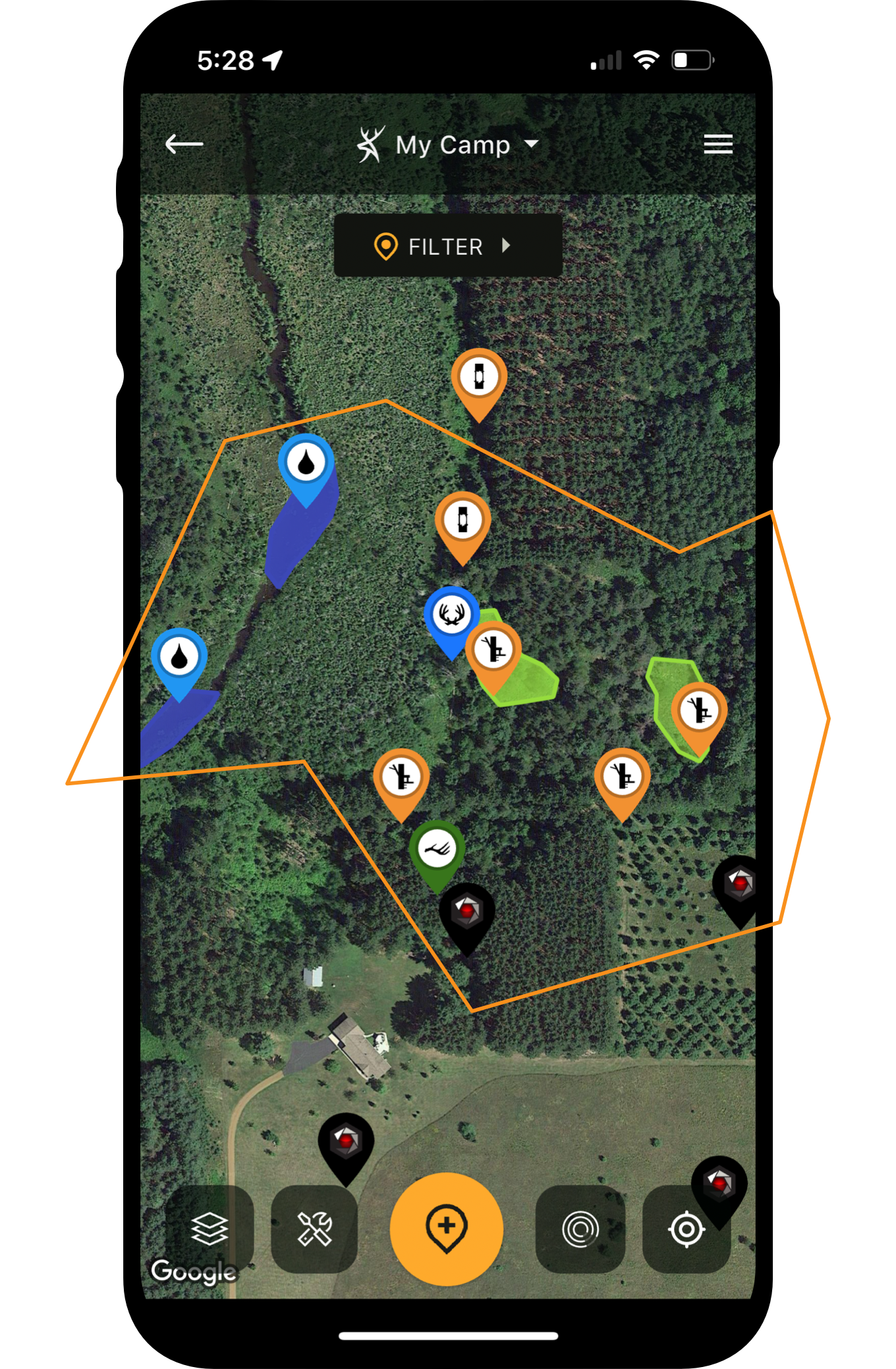





We’ve refreshed the HuntStand mobile app, introducing a sleek new look to enhance your experience with the most advanced hunting tool available today.
Check out the tutorials below to familiarize yourself with the latest features and navigate the new interface with ease.
How to Use the Dashboard
Quickly place markers and stay locked in on your hunting and scouting efforts with rapid-access mapping tools available on the new HuntStand dashboard.
How to Use Map Layers
Seamlessly layer data types over your base maps to create a deeply personalized and informative hunting landscape.
How to Start Building Maps
Dive into an all-new mapping environment, powered by the most comprehensive satellite imagery available in any app. New color-coding features make it easier than ever to navigate and manage your Hunt Areas with clarity and ease.

How to Create a Hunt Area
Discover the power of Hunt Areas for enhanced organization and sharing capabilities.
How to Get Weather
Find your HuntStand weather forecast and radar tools in the new HuntStand app.
Need Help?
Check in with our HuntStand support team by emailing support@huntstand.com.