





HuntStand Pro's Property Info layer can help solve numerous challenges in the deer woods.
In our current technological age, it’s practically laughable to recall how mapping looked when I started hunting 22 years ago. I vividly recall thumbing through a plat book obtained from the local courthouse where I grew up in Wisconsin. It displayed roads, property lines, and land ownership, but it only covered one county, and each village and township within the county had its own dedicated page.
I could identify state and county lands open for public hunting, not to mention private lands enrolled in Wisconsin’s MFL program (open for public hunting). And, if I wanted to ask a private landowner for hunting permission, the cumbersome book was my sole resource for identifying the landowner so that I could look up his/her landline number in the local phone book.
Times have changed. HuntStand’s Pro and Pro Whitetail versions of the app offer nationwide landowner info in the Property Info layer. The app does so much more than that, but for this article, we’re going to focus solely on practical uses for this most fundamental feature. Whether you hunt on your own 5-acre property, or a multi-thousand-acre block of National Forest, HuntStand Pro’s Property Info layer is a must-have tool for all hunters. Here are four reasons why.
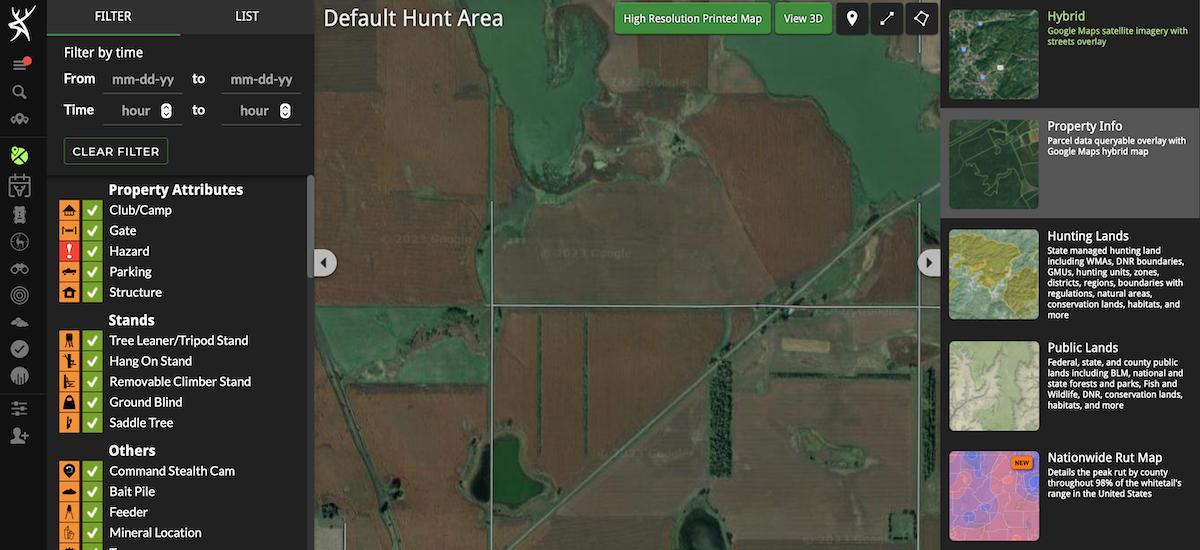
Property Info is easy to identify and navigate within HuntStand Pro and Pro Whitetail.
1. Learn Who to Contact for Hunting Permission
Countless times I’ve spotted deer, antelope, turkeys and even elk from roadways. Rather than view an animal on private land that I don’t have permission to hunt as “off-limits,” I consider it a potential opportunity. I immediately pull up HuntStand Pro’s Property Info layer and determine who owns the land.
Once I do that, I pan around the property to see if any structures are on it. If not, I search for the landowner’s phone number on whitepages.com. Then, if there are visible structures, I drive along the road to see if it looks like anyone is home. If so, I carefully pull into the driveway. This can go a lot of different ways, but I’ve had mostly positive interactions with landowners. I’m genuine and courteous, and regardless of if I’m granted permission to hunt or not, the landowner usually walks away feeling good about the interaction with me.
How to Find Deer with Topo Maps
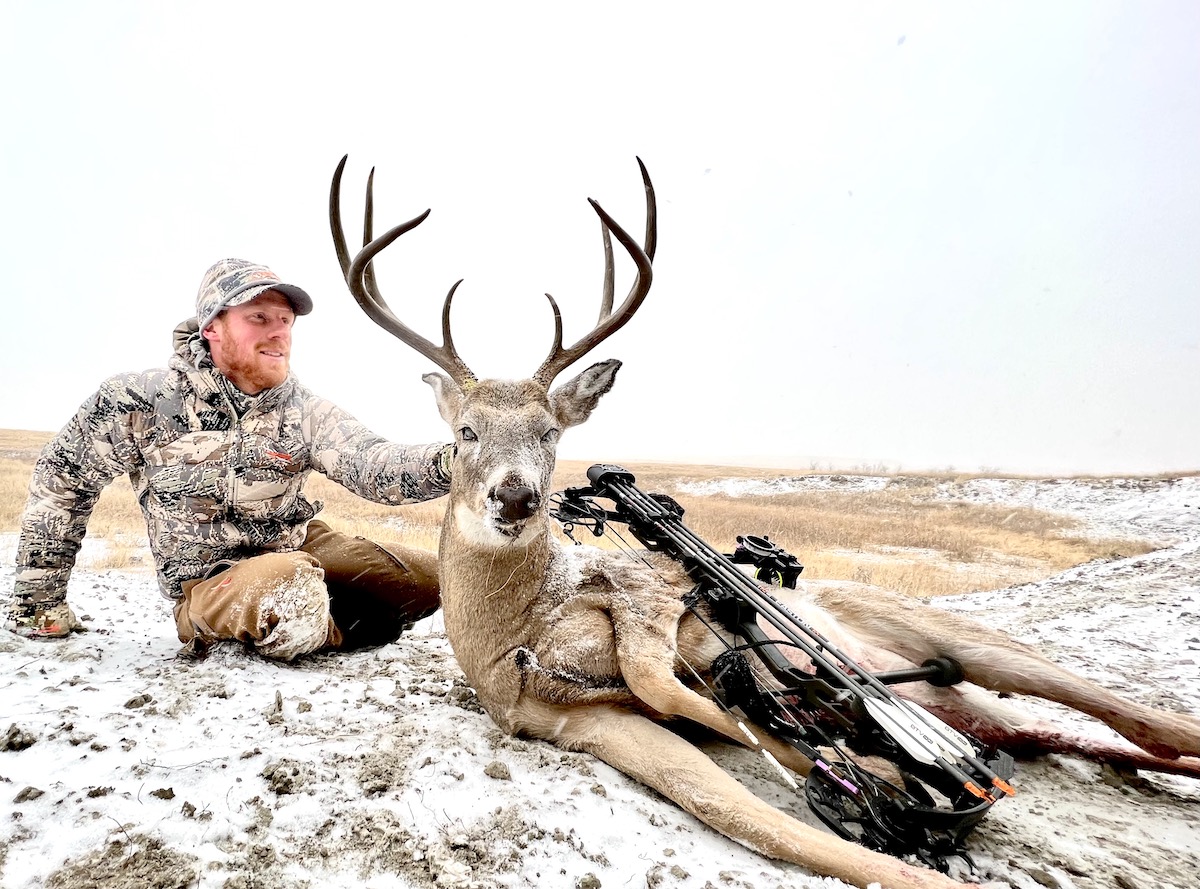
Author Darron McDougal made a marginal shot on this buck as a result of the South Dakota winds. He returned the following morning to track the animal and found that it expired on land he didn’t have permission to hunt. HuntStand Pro’s Property Info layer helped him track down the landowner and get permission to retrieve the buck.
Last December, while hunting in North Dakota, the Property Info layer came in handy for getting permission to hunt a private parcel. I found a lot of deer sign along the southern border of a public parcel. Given the north and northwest winds forecasted for the coming days, I was unable to effectively hunt over all of the sign while staying on the public land. With the Property Info layer activated, I could see the landowner’s name on that parcel. I tapped on the parcel, and a window revealing the owner’s mailing address opened. This made it simple to search the address and learned that the landowner’s home was just around the corner.
I drove up and knocked on the door. The landowner’s daughter greeted me at the door and said that her father wasn’t home, so she gave me his cell phone number. Just a few minutes later, he answered my phone call, and I was granted permission to hunt just off the public land on his parcel. Within a couple of days, I shot a very mature 8-pointer missing a brow tine. Could I have connected all of the dots without Property Info? Nope.
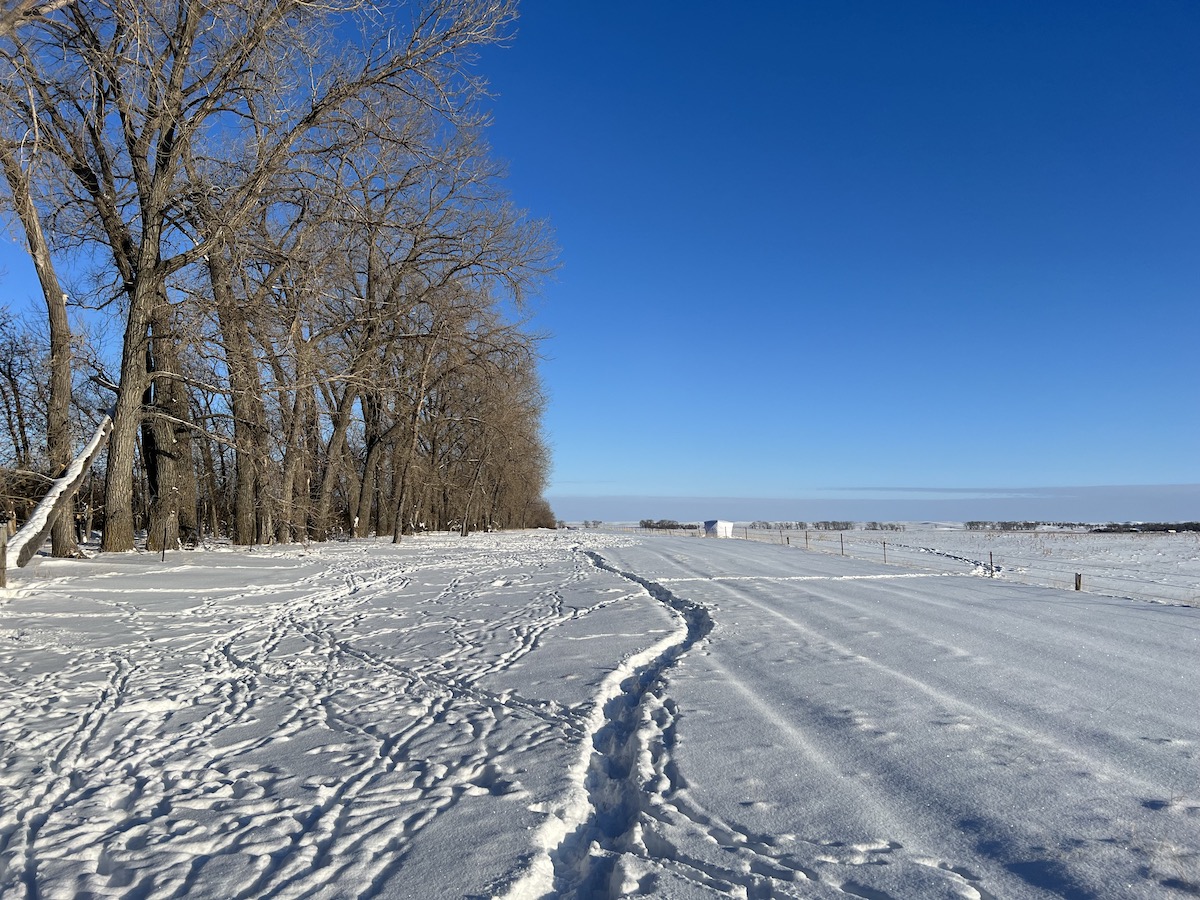
McDougal found all of the deer sign pictured on the left side of the fence on public land but was unable to hunt it based on the wind direction. So, he got permission from the adjacent landowner with help from Property Info to position his ground blind downwind of the obvious deer thoroughfare.
2. Discussing Management Plans with Your Neighbors
Whether you recently purchased or leased a hunting property, it’s wise to get to know the neighboring landowners. Learn who they are in the Property Info layer, then try to make contact. Connecting with adjacent landowners is important for a few reasons.
First, you can discuss hunting and management plans. It’s great to have commonalities in management — when possible — as everyone can be on the same page. You might learn that your neighbors are passing up bucks that are 3 1/2 years old or younger, informing you that you can do the same to boost the area’s buck age class. Or, you might decide on a healthy collective doe harvest between your properties. Being open with the neighbors can help you to form common goals and improve the area’s hunting potential through wise management practices.
HuntStand’s Whitetail Activity Forecast Tool
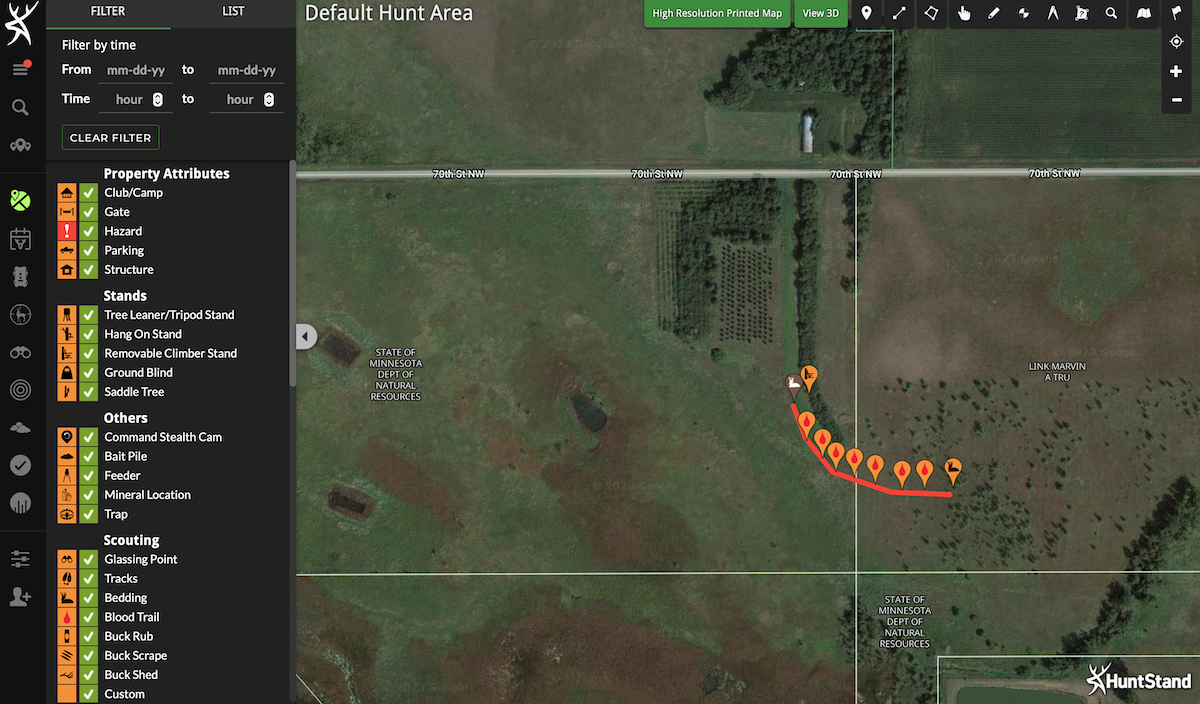
If an animal you shoot runs off the property you’re hunting, Property Info can help you track down the landowner so that you can ask for permission to retrieve it. Either stop in at the landowner’s residence or look up their phone number on Whitepages.com.
Now, I completely understand that some of you are thinking, “Yeah right,” because your neighbors are greedy and think they own all of the deer. What I mentioned in the previous paragraph isn’t workable in all situations, so just use your judgment on what to do if your neighbors aren’t friendly types. However, sometimes a positive face-to-face interaction can soften up stubborn people. Keep a cool head and just be genuine and friendly.
Again, communication with your neighbors is a good thing for many reasons. HuntStand Pro’s Property Info makes it easy to learn who your neighbors are so that you can try to connect with them.
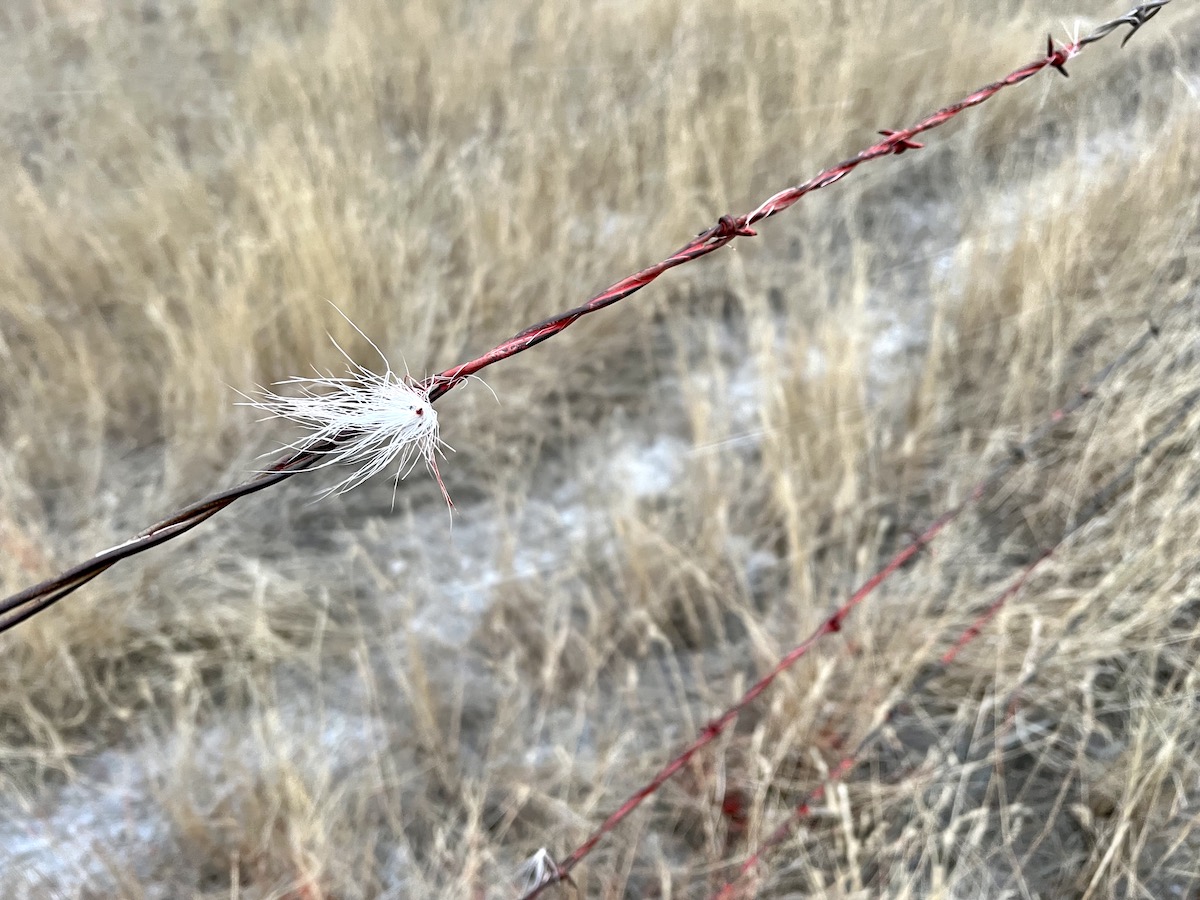
Sometimes an animal makes it off the property you’re hunting following the hit. In that moment, few things are more valuable than land ownership info at your fingertips in the HuntStand Pro app.
3. Getting Permission to Track a Wounded Animal That Crossed a Property Line
If you hunt long enough, you’ll eventually hit an animal less than perfectly. When you do, it’s possible that the animal will travel off the property you are hunting, rendering it unrecoverable until you obtain the landowner’s permission to track it. Having the Property Info layer on your phone is incredibly beneficial if you’re unsure who owns the property.
This happened to me last fall in South Dakota. I arrowed a dandy 4×4 whitetail in the afternoon, and my shot was low and slightly too far back. After leaving the animal overnight, my wife and I returned the following morning and found the blood trail leading up to the boundary of the Walk-In land where I’d shot the buck. About 150 yards beyond the fence, we could plainly see my buck and that it had expired. I became anxious, knowing that the landowner could potentially deny me permission to retrieve the buck.
I used the Property Info layer and then contacted the owner of the Walk-In land to ask if he knew anything about the neighbor and if he could connect me with him. He supplied a phone number for the ranch manager of that adjacent property, and soon my anxiety lifted, for the manager of the property told me to go get my buck and text him a picture.
Whitetail Rut Map : A HuntStand Exclusive Feature
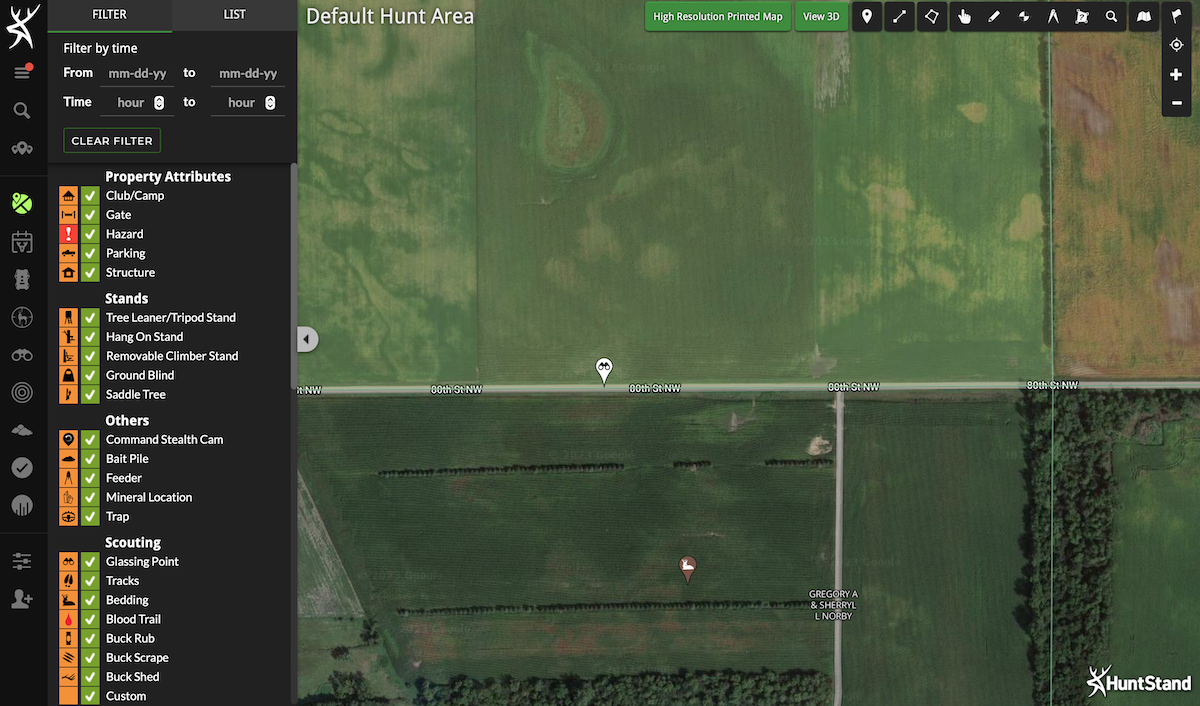
If you spot an animal you’d like to pursue on private land, Property Info makes it easy to see who owns the land so that you can contact the landowner and ask for hunting permission.
A similar situation happened during Wisconsin’s spring turkey season. I arrowed a tom on land that I have permission to hunt. It ran off the field into the timber, which is owned by someone else. Property Info to the rescue! Given the layout of that adjacent property, there would have been no way to determine how to contact the landowner. I looked up his number, and when I called it, it was a disconnected number. But, with the satellite view of the property, I could see a home tucked away in the woods at the end of a very long driveway.
I drove down that long driveway, which brought me to the home. After knocking on the door, an old fella came to the door. I explained the situation, and he said that I wasn’t allowed to do any hunting on his property other than retrieve my turkey. And retrieve it I did. Property Info played a major role in getting to collect my gobbler.
UPGRADE TO HUNTSTAND PRO WHITETAIL
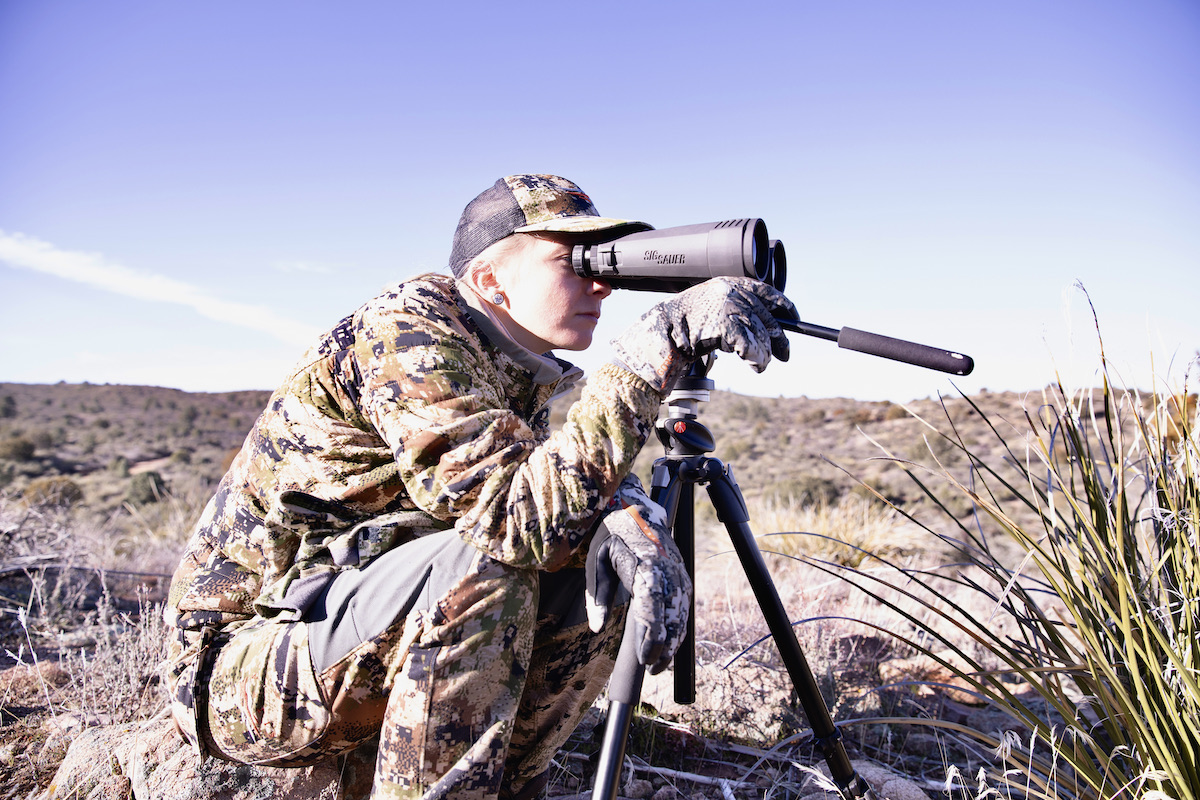
When you spot an animal on a property you don’t have permission to hunt on, reference Property Info. The animal could easily go from off-limits to fair game with a simple phone call.
4. Know Where You Are
One final use for Property Info that we’ll discuss is knowing where you are. Old fence lines aren’t reliable property boundaries. Always reference Property Info whenever you’ll be walking near a property boundary to make sure that you haven’t overstepped the bounds of the property you intend to be on.
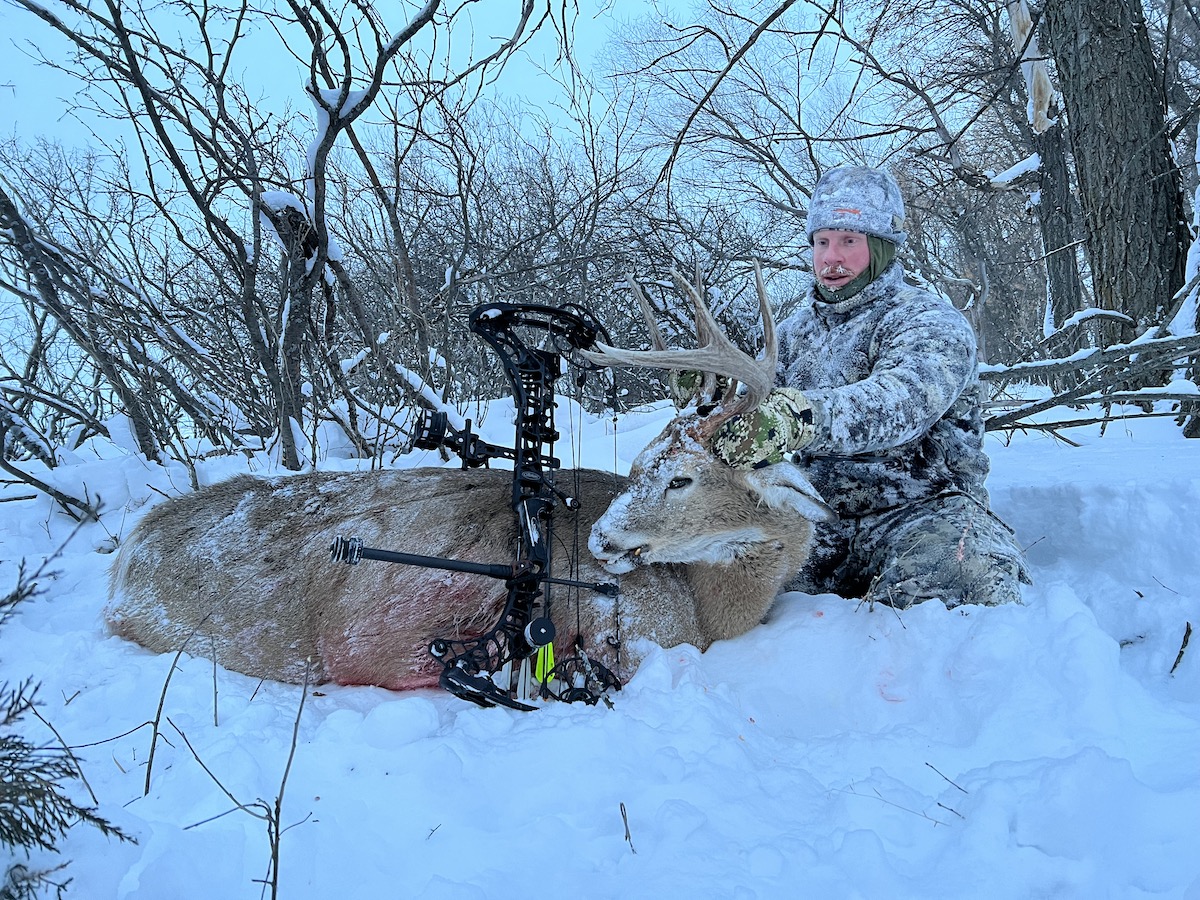
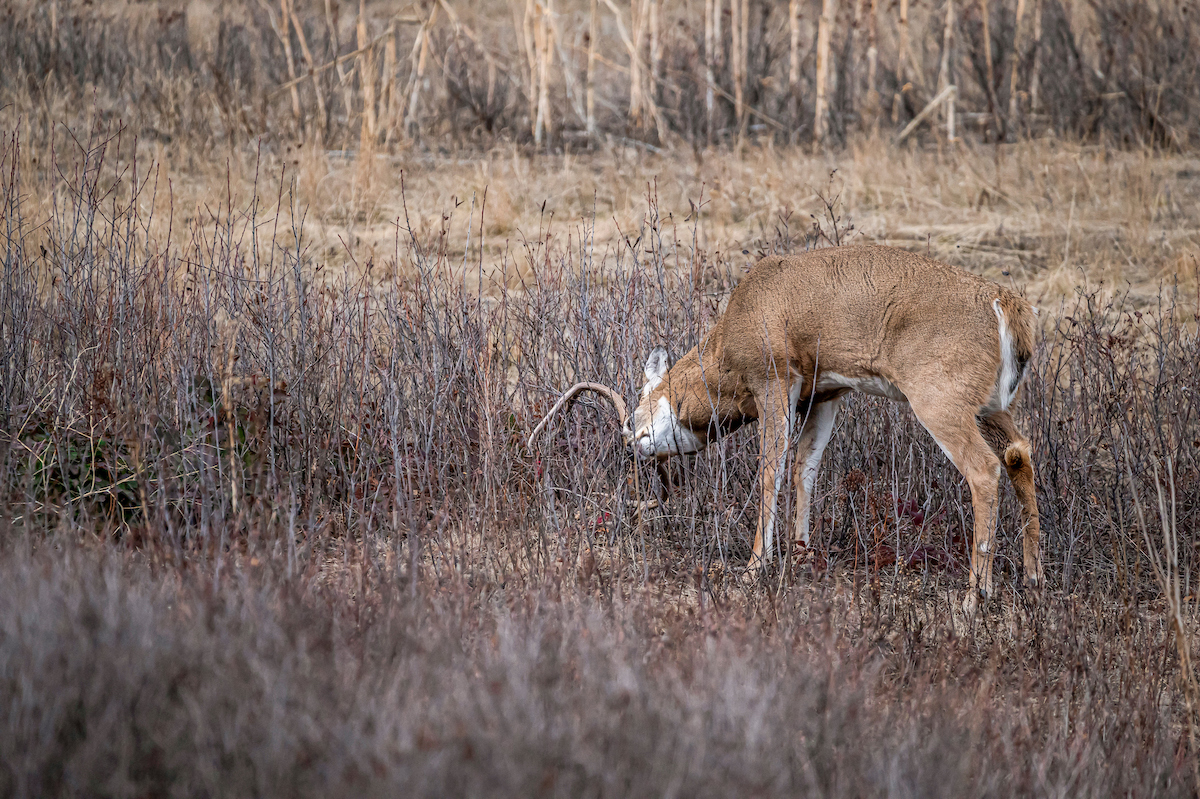
This mature buck was the result of finding deer sign on public land, but then using Property Info to identify adjacent land ownership and ultimately get permission to hunt from the private side and shoot toward the public to capitalize on the wind.
Of course, we all hunt differently. Some of us travel from state to state and hunt on public lands, occasionally knocking on doors or making calls when a potential opportunity exists on private lands. Some hunters focus on their own 10 acres and hunt when it’s convenient after work or on the weekends. Others have multiple leased properties scattered across several counties or states. There are many different situations, but almost all warrant the need for HuntStand Pro’s Property Info layer, as the uses noted in this article confirm. Don’t wait until you’re in a pinch and need it. Upgrade to the Pro or Pro Whitetail version today so that you’re prepared for any circumstance with nationwide landowner info.
15 Ways You Aren’t Using HuntStand Pro Whitetail, But Should Be