




Modern deer hunters have powerful tools at their disposal. Advanced treestands, reliable rangefinders, cellular trail cameras, great bowhunting accessories, scent-retaining hunting blinds, scent-reducing treatment systems, and multi-faceted hunting app subscriptions. These and more provide benefits our ancestors and predecessors couldn’t dream of. From a hunt scouting, planning, and data perspective, HuntStand is worth far more than its price tag. In the following, discover a detailed guide to HuntStand app tools, how each one is beneficial, and their specific applications for hunting, land management, and more.
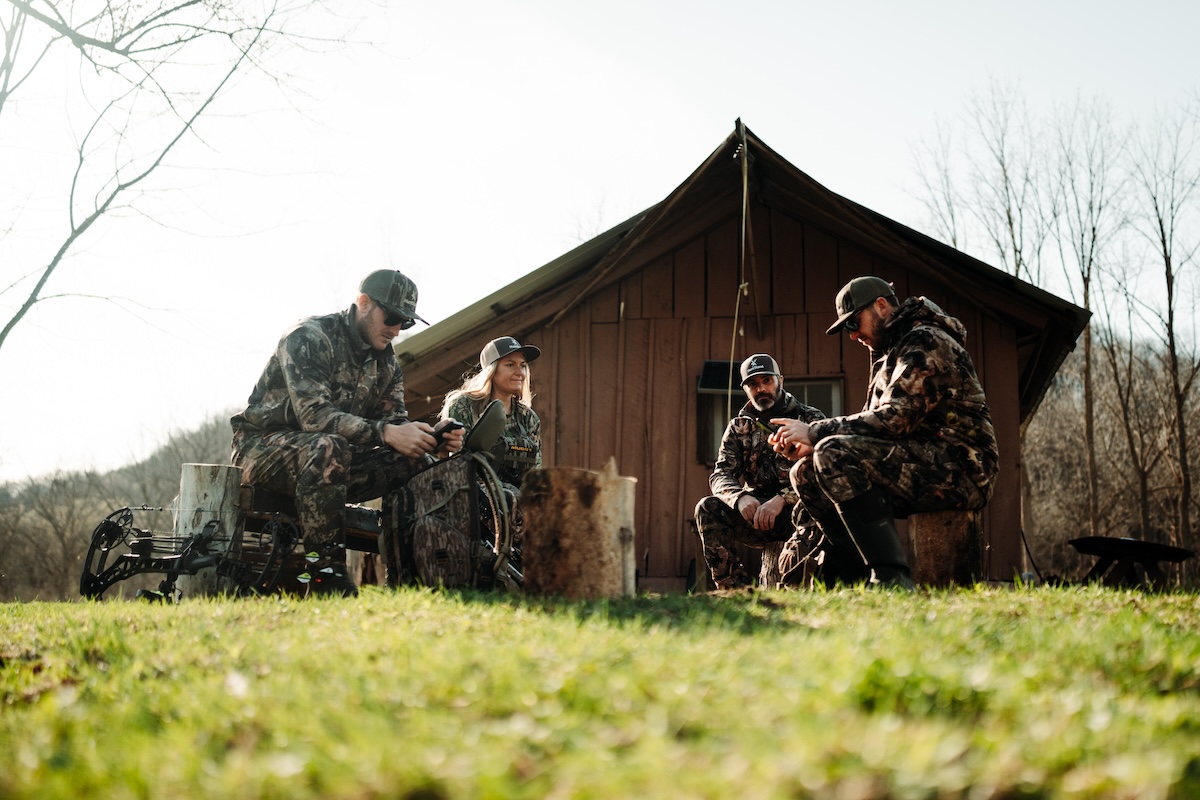

Keep track of friends in your hunt group with the "Friend Locator" tool.
Friend Locator
A significant benefit for group hunters, the “Friend Locator” helps make it possible for everyone to keep track of their family and friends afield. This boosts safety, especially when conducting deer drives, understanding bullet travel paths, and staying out of areas others are already hunting. Those who conduct “party-style hunts,” which are common in some states, benefit from this tool, too.

Maintain a digital "Group Board" within the app, and communicate about the inner workings of your hunting area, hunts, and more.
Group Board
The “Group Board” is made for facilitating communications between hunt area group members. This elevates discussions between these individuals. Post about important topics so everyone is in the know and up to date. You can even “like” posts and comment on debatable matters. It’s even possible to upload photos associated with messages.

Keep track of in-the-field jobs using the "Group Board" feature, which keeps you and others up to date on progress.
Have Conversations, Update on Tasks
Furthermore, as with other tools, the “Group Board” tool makes it possible to drop icon markers for specific jobs ahead. Communicate with each other and monitor progress. This helps with hanging treestands, positioning trail cameras, establishing mineral licks, planting food plots, filling deer feeders, marking boundary lines, and much more.
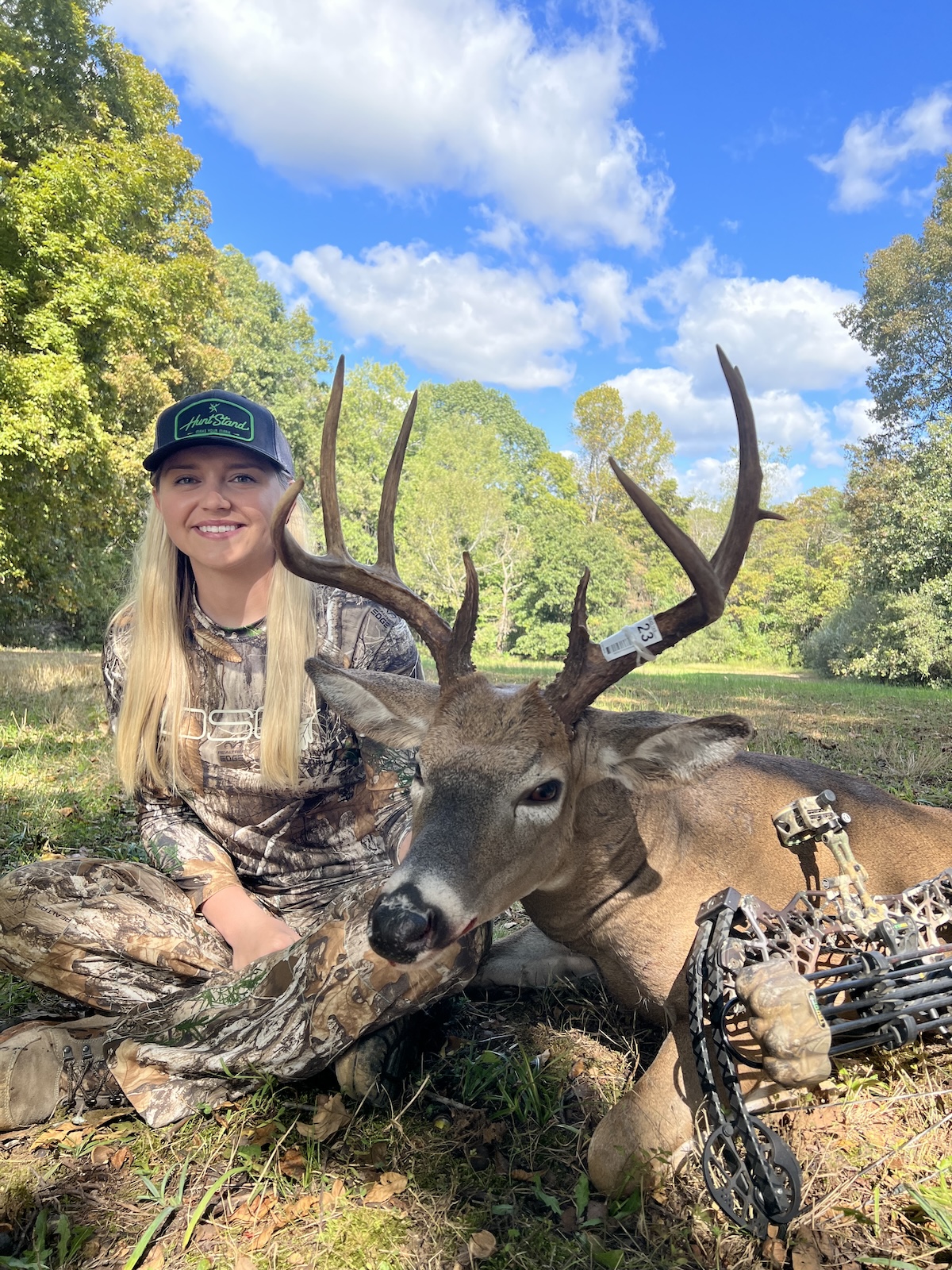
Log harvests and track long-term harvest data.
Harvests
Individual hunters, hunting families, groups of friends, small to moderate hunt clubs, or even larger outfitters can enjoy the benefits of using “Harvest” markers. This tool permits the ability to chart the location of filled tags via “My Location” or “Latitude/Longitude” options. With the location selected, choose the appropriate marker type, type out the details, and save the data entry. Over time, compiled harvest data can help with management goals, monitoring certain property benchmarks, reaching determined goals, and more.
The Secrets to Growing Big Deer
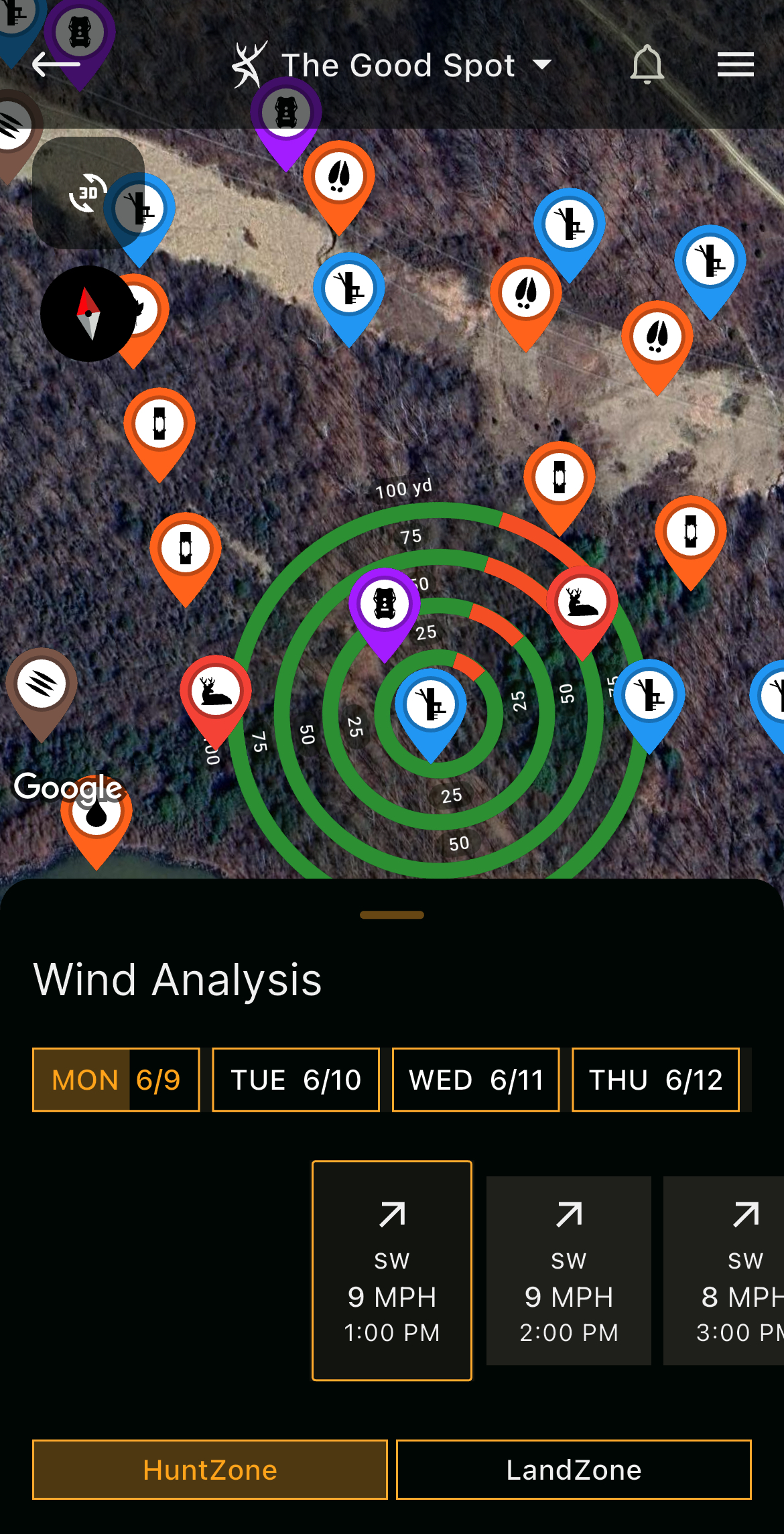
Benefit from "HuntZone," which depicts wind direction and wind speed as an overlay on your hunt area.
HuntZone
Wind is ever important in virtually all elements of hunting. It’s especially crucial for deer hunting. The “HuntZone” tool is made for gauging wind direction, wind speed, and more. Additionally, it displays a hunter’s projected scent cone at given treestand locations, blind locations, etc., and where scent is expected to travel and disperse. Check scent cone projections up to 72 hours out. This tool helps hunters know when and where to hunt based on wind direction.
The "Map Editor" tool is one of the most powerful assets available to deer hunters and land managers.
Map Editor
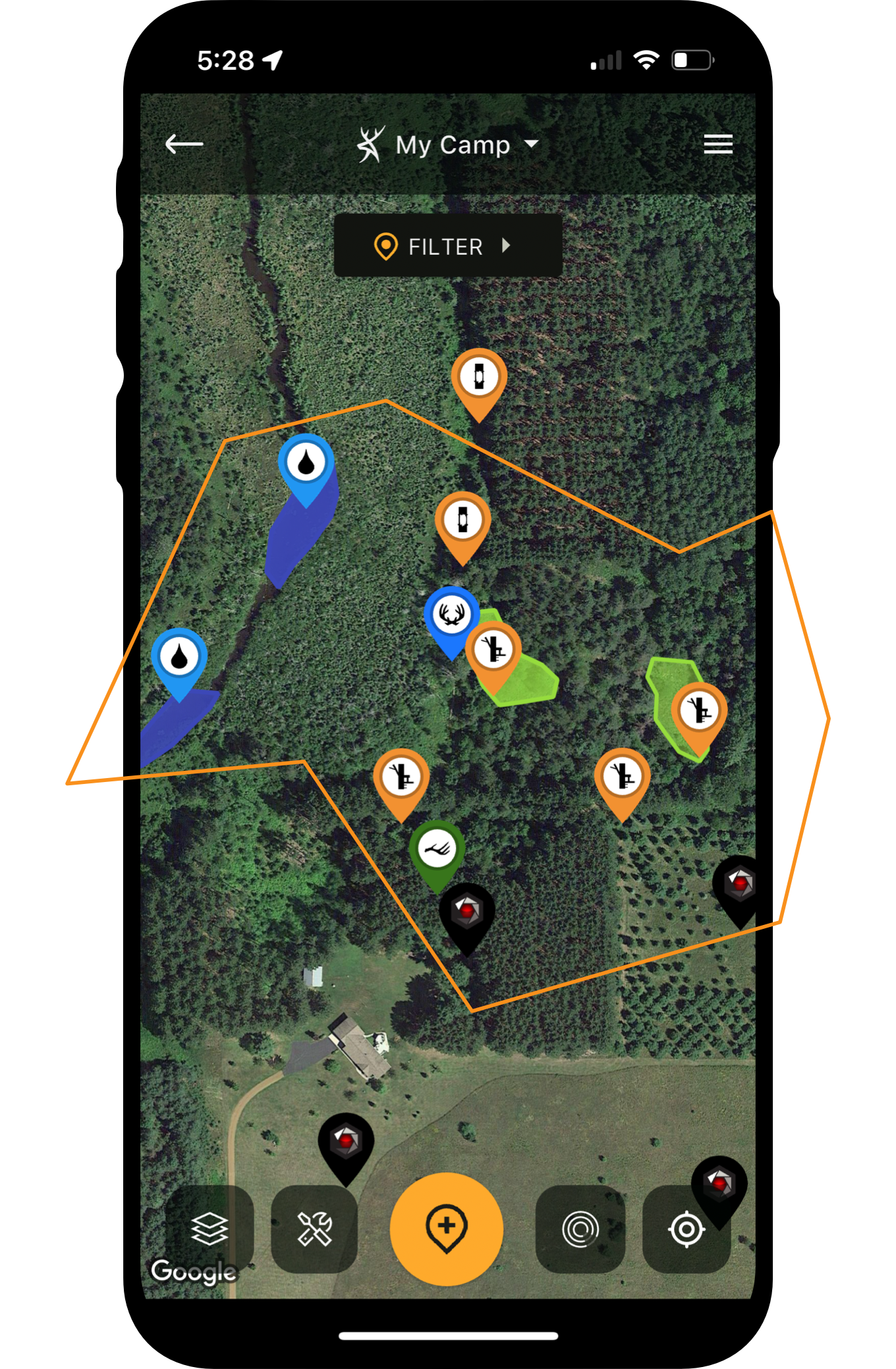
The “Map Editor” tool is the bread and butter of HuntStand. The greatest of hunting tech. The crème de la crème. This is the tool that allows hunters to build out exquisite maps of their hunting lands. There are entire groups of dedicated map icons, including “Property Attributes,” “Scouting,” “Stands,” and “Others.” In total, enjoy 45 unique icons within these groups. Keep track of all your hunting gear, scouting finds, and more.
Of course, from the “Map Editor” position, app users also enjoy other benefits. Some of these include:
Location: Of course, part of using a map is knowing where you are located. Thanks to the location indicator, you can know your position in relation to property attributes.
Line/Shape Creator: The ability to draw lines and shapes on a property is ideal for marking a number of property features. Shapes are great for depicting boundaries, sanctuaries, bedding areas, food plots, water sources, and more. The line tool can be used for important elements, too.
Measure Line/Measure Shape: The crosshairs used with the “Measure Line” and “Measure Shape” tools offer precise measurements that benefit hunters. Of course, measure distances in feet, yards, or miles. Measure area in acres. This can help determine how much fertilizer or food plot seed you need. It might even aid in determining how large a bedding area, sanctuary, or other designated area is.
Search: The “Search” function is especially beneficial for those who plan to find landowners or properties. Find the specific places you’re looking for via an address, owner name, or property coordinates. It’s a great way to find a property for the first time, before map building begins.
Trace Path Feature: This shows your path as you move about the property. It’s especially useful when scouting properties, charting deer trail networks, blood trailing deer, shed hunting, and more.
Additionally, the Map Editor offers direct access to other important app features, including layers, and even other tools, such as “Harvests,” “HuntZone,” “Reservations,” “Sightings,” “Trail Cams,” “Weather,” and more.
Edge Habitat for Deer (And How HuntStand Helps Find It)
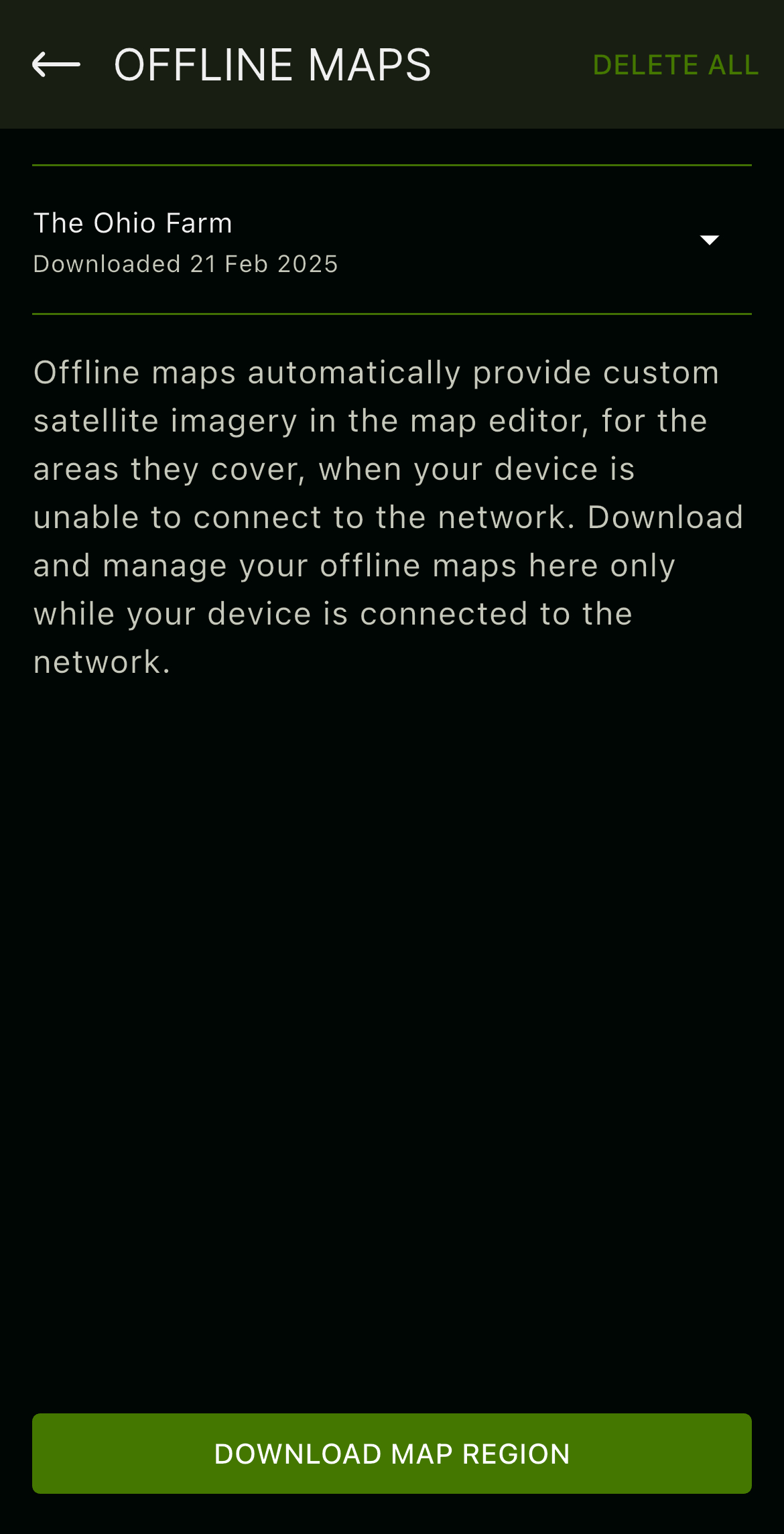
Save an offline map version of your hunt area to benefit from HuntStand even when cell service is limited or absent.
Offline Maps
Many properties offer cellular service. Some offer minimal coverage. Others offer little to none. At least, not enough to effectively use phone data, which is necessary for most hunting apps. However, by saving an “Offline Map” version of your hunt area, it allows you to use needed elements of the HuntStand app within the saved map download of that area. This permits app users to continue benefitting from the app (including the map editor) even if service is limited or absent.
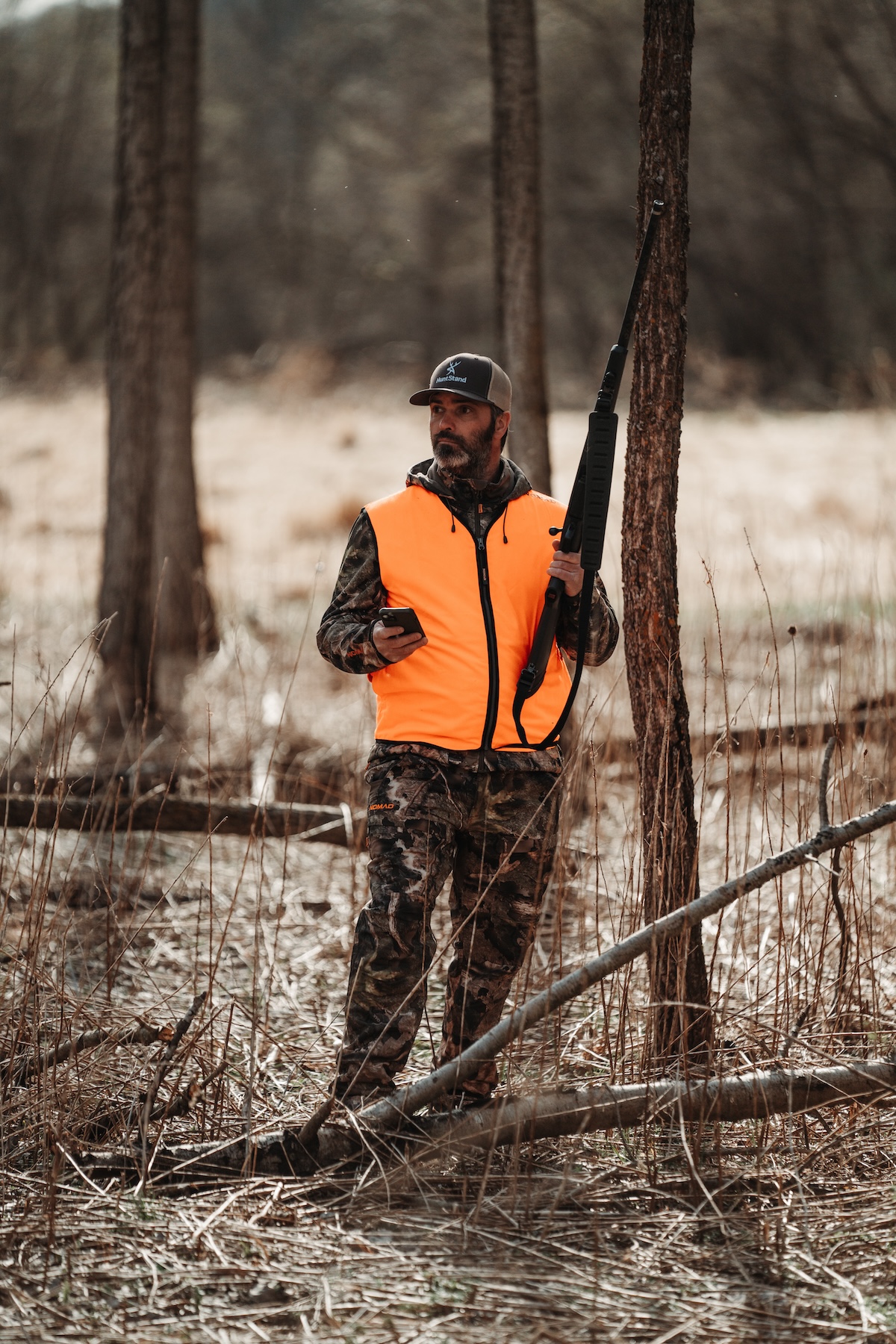
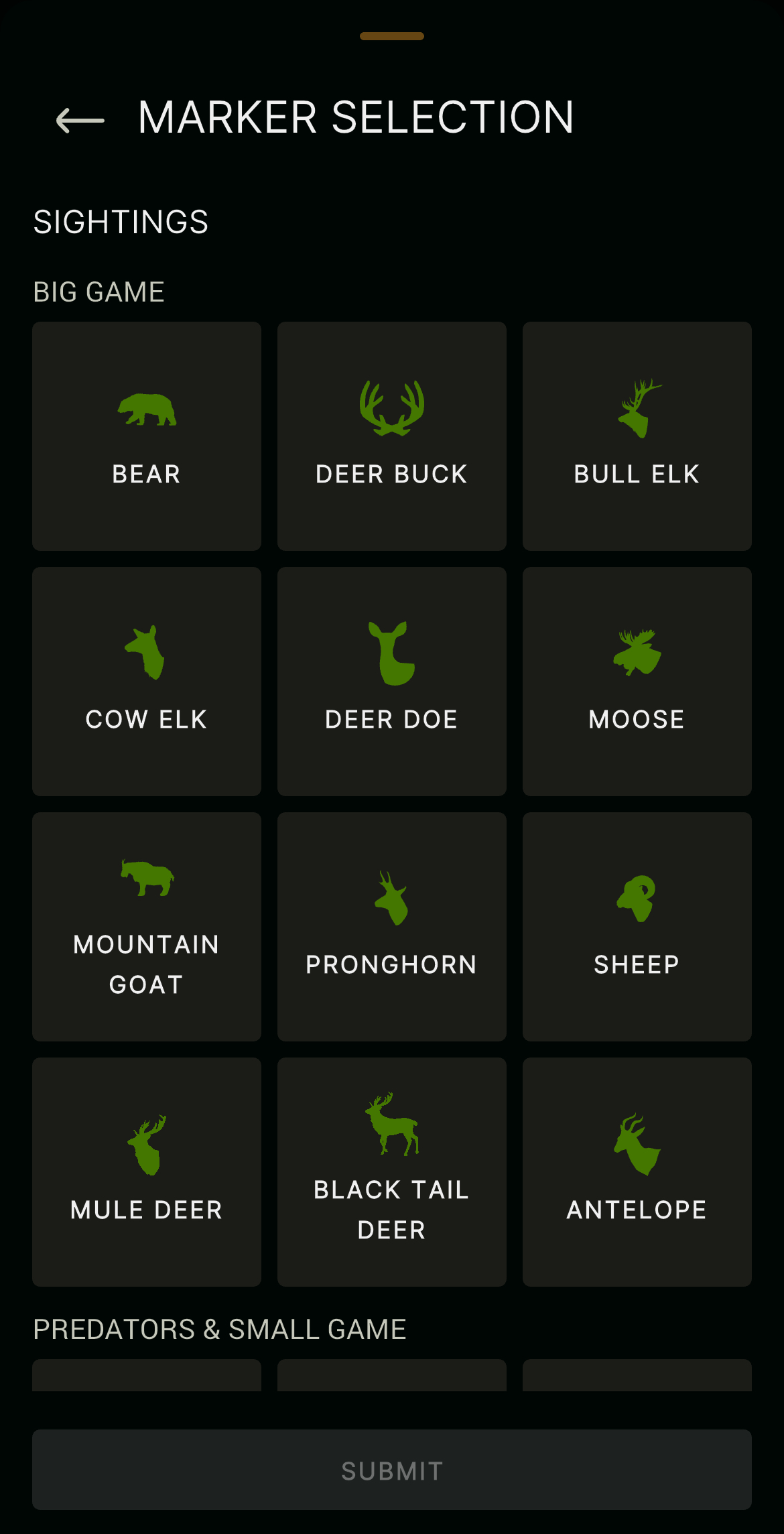
Under the "Sightings" tab, mark your in-the-field discoveries of target deer and more.
Sightings
Hunters see deer far more than they bag them. But the former certainly helps with the latter. Eventually, paired with trail camera data, deer sightings help determine buck patterns. As with the “Harvests” tool, chart the location of sightings via “My Location” or “Latitude/Longitude” options. Again, with the location selected, choose the appropriate marker type, type out the details, and save the data entry.
Over time, when recorded sightings build up, hunters can transfer that information into incredible hunt plans. It reveals patterns, and hunters use these patterns to choose effective hunting spots and times to hunt.
How to E-Scout a New Farm for Deer Hunting [Deer Dirt]
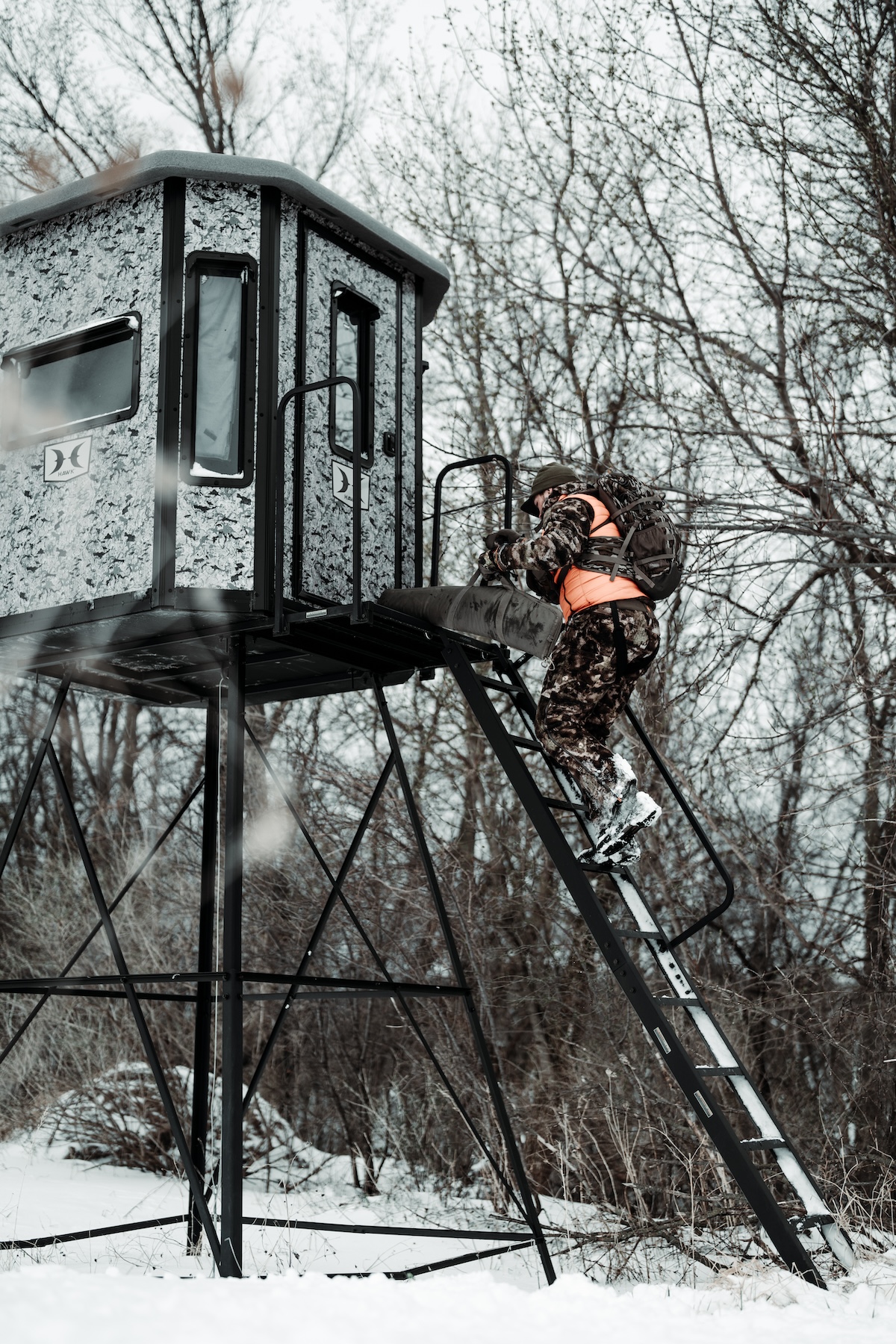
"Stand Reservations" make it possible to choose the stands you want to hunt without last-minute conflicts with others.
Stand Reservations
Those who hunt in hunt clubs, with outfitters, or who share permission with family and friends, can benefit from the “Stand Reservations” tool. Merely click on the icon, select a stand location icon map marker, and “reserve” the spot. Check availability, and then choose a date, or series of dates, for that specific location. Using this feature keeps groups organized and hunters from interrupting others’ hunts.
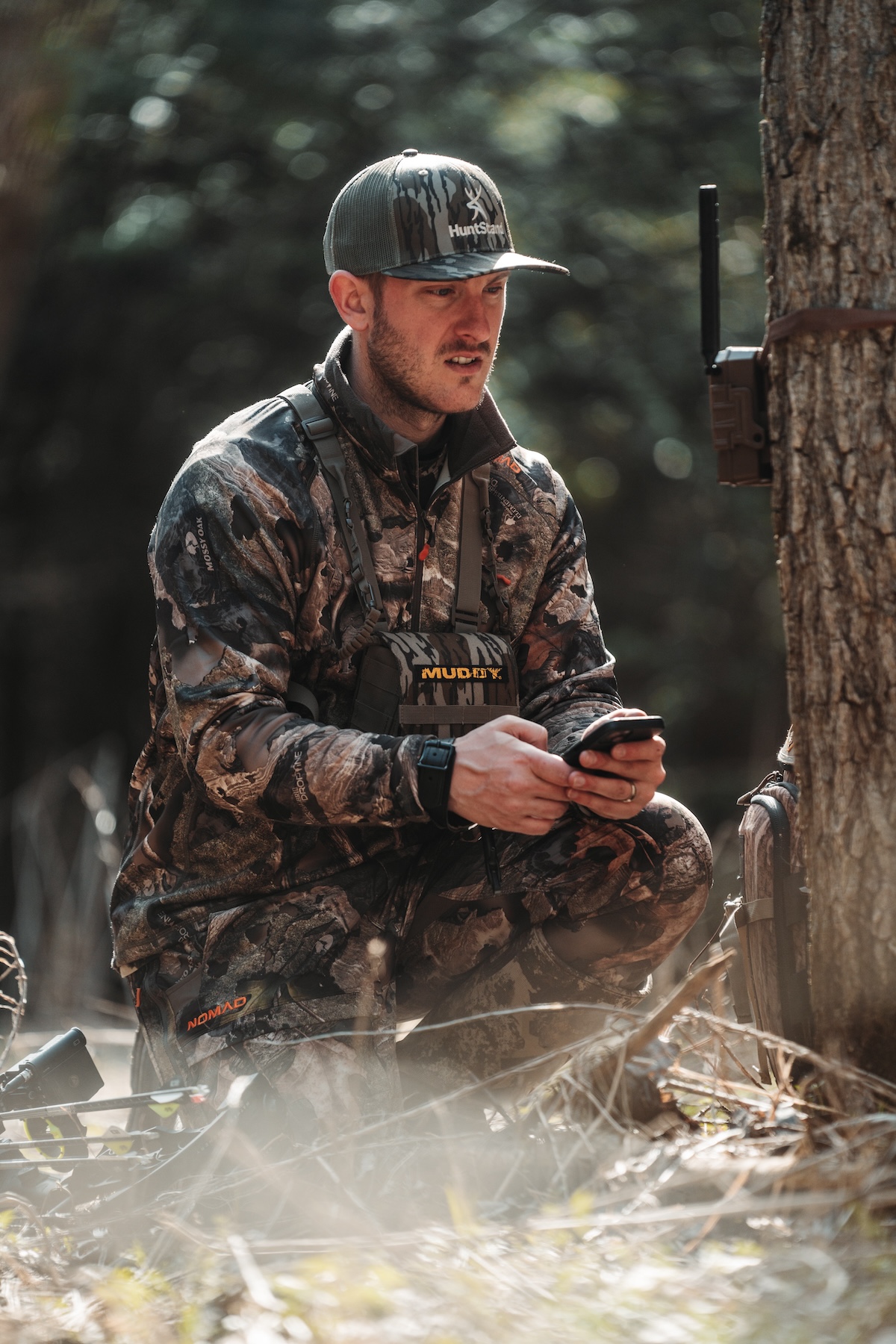
Mark all of your trail camera locations in HuntStand, and sync with the Command Pro app (compatible with Muddy and Stealth Cam cell cameras), to maximize trail camera benefits.
Trail Cams
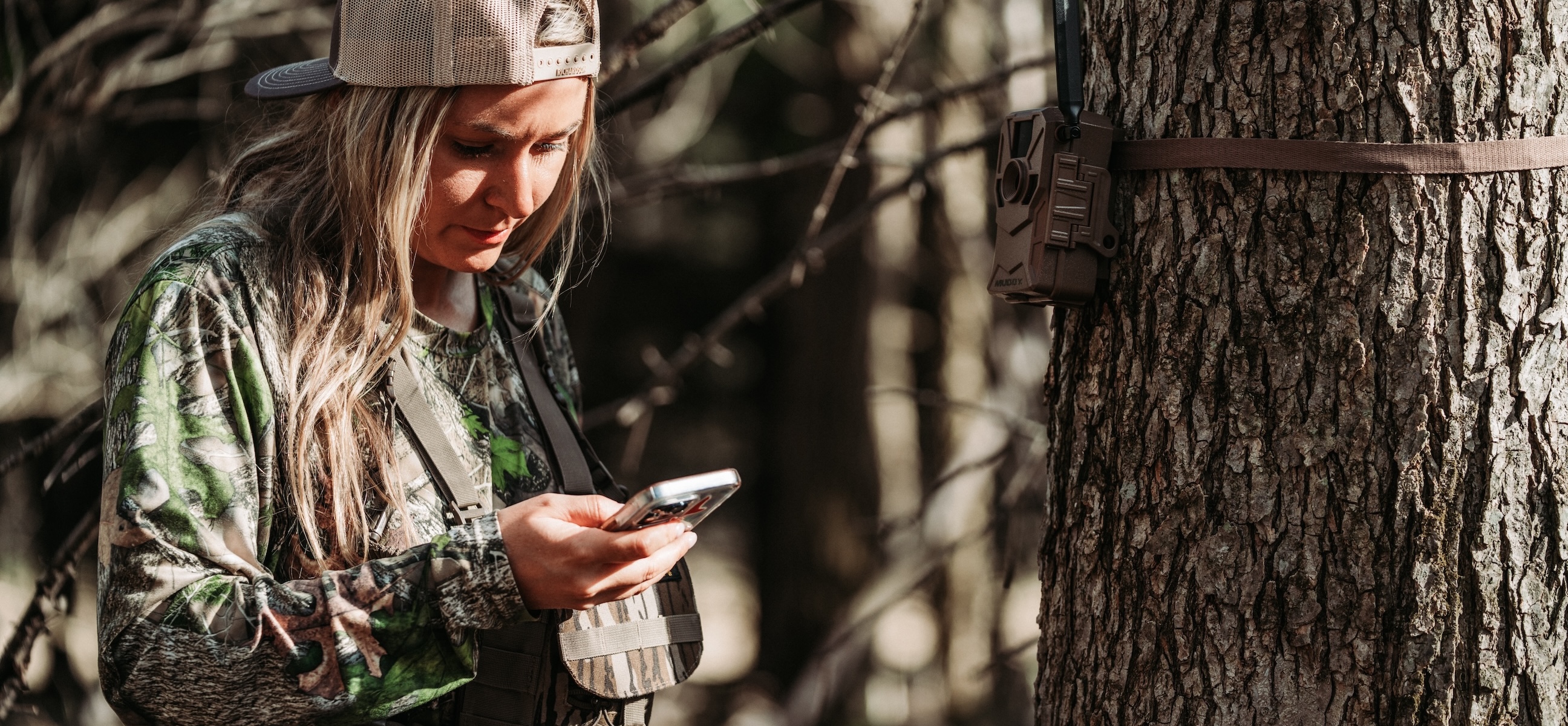
A significant benefit of the HuntStand app is the “Trail Cams” tool. This feature allows users to keep track of their trail camera locations. Drop pins for cellular and traditional trail cameras alike. Those who run Stealth Cam or Muddy cellular trail cameras can even sync their HuntStand and Command Pro app profiles to import all cell cam photos directly into HuntStand. Then, associated trail camera photos appear with each camera icon marker. It even generates data reports, and in some instances, reveals general deer movements and target buck patterns.
Optimize Your New Hunting Property with Bill Winke [HuntClass]
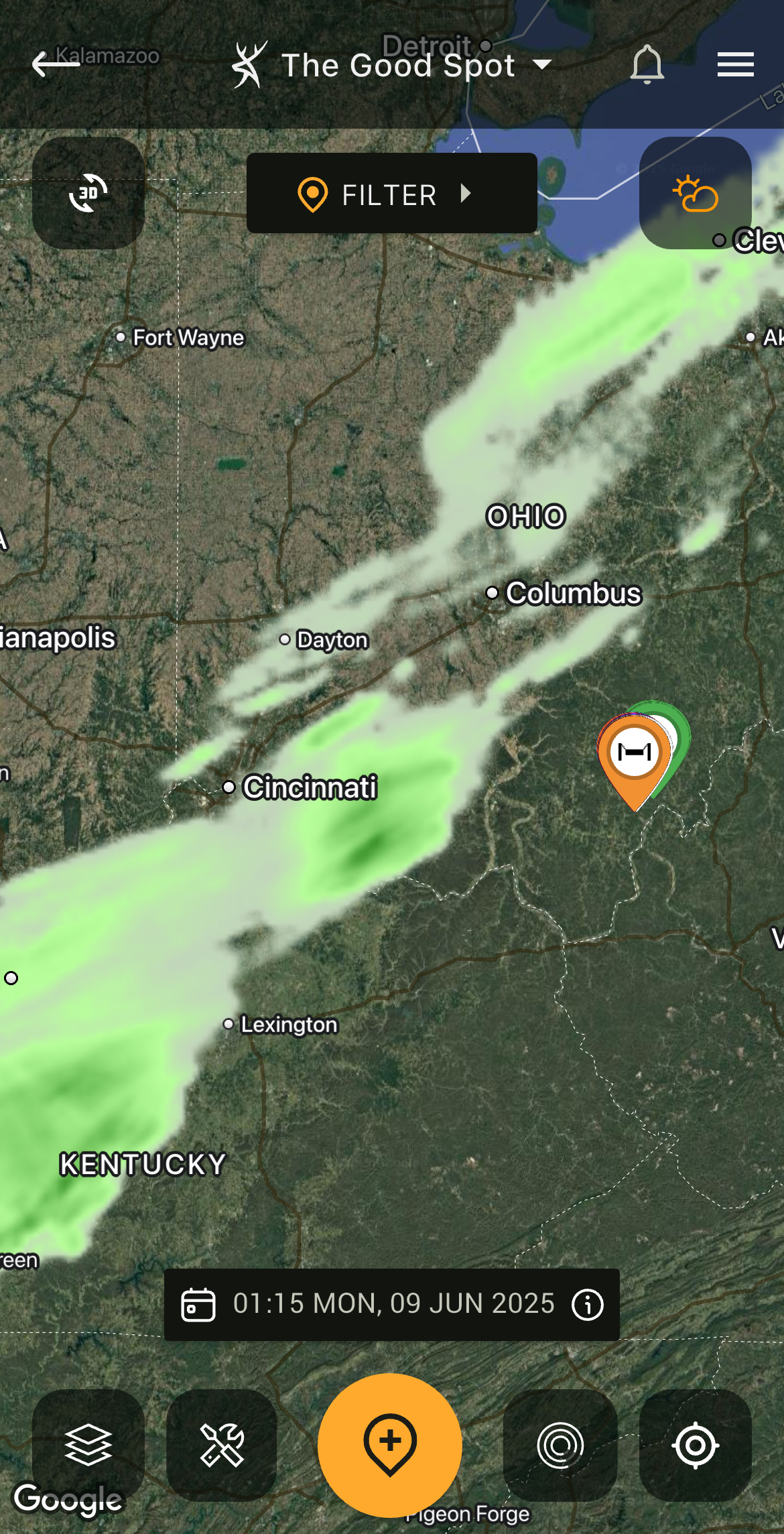
Keep an eye on weather patterns to stay safe and elevate the hunt.
Weather
Without question, weather is all-important in deer hunting. It’s also a part of planning safe, productive trips into the outdoors. Thus, the weather tool offers current, three-day detail, three-day chart, and five-day looks at expected weather patterns. Get reads on all the important weather elements. Then, make hunt decisions accordingly.
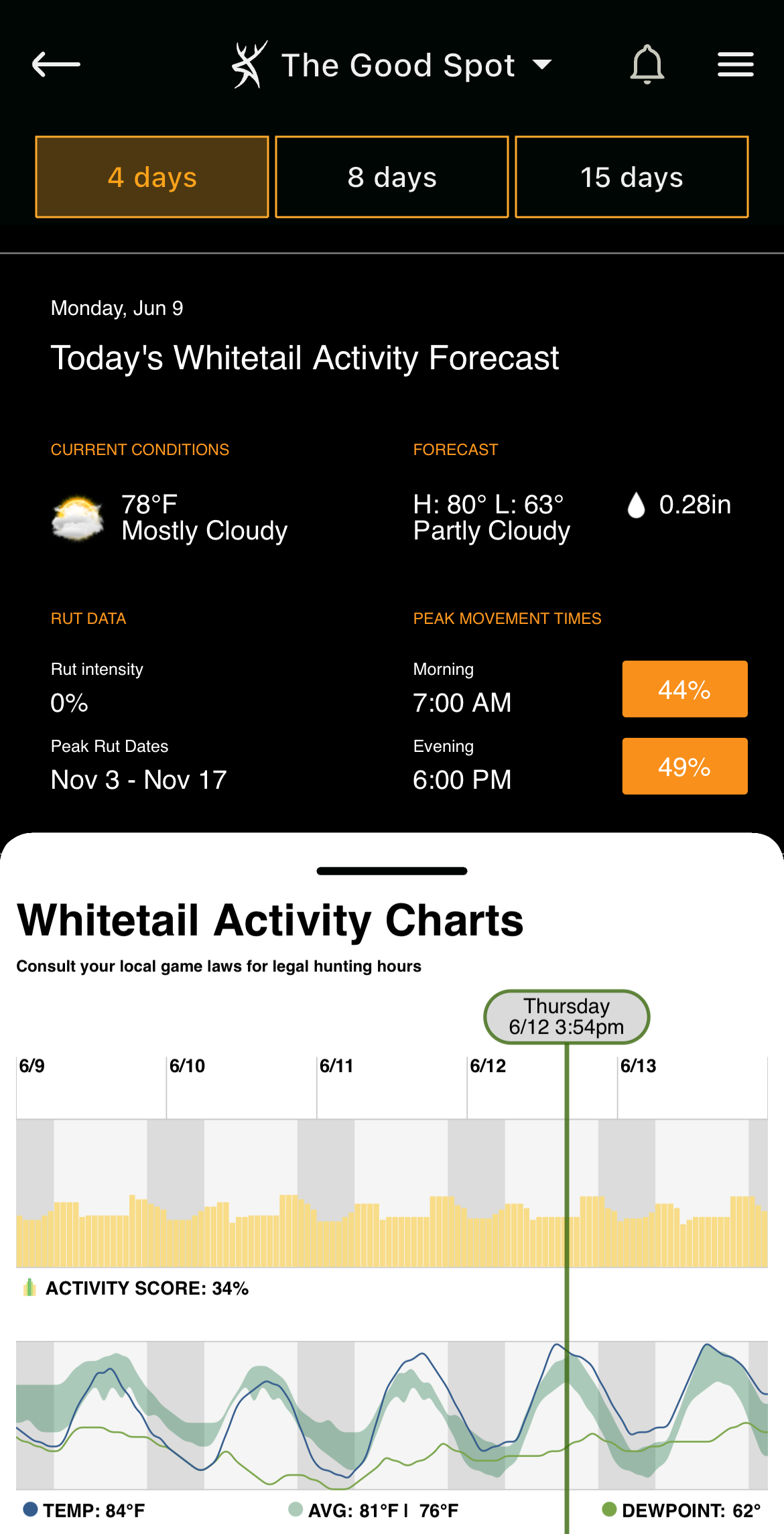
Use the "Whitetail Activity Forecast" to plan a high-odds hunt.
Whitetail Forecast
The best of its kind, the Whitetail Forecast is an accurate indicator of anticipated deer movement. Using an algorithm with an array of deer-movement-related patterns, the tool forecasts using a grading system to provide hunters with percentage-based odds of deer movement. Additionally, it showcases detailed information for barometric pressure, cloud cover, dew point, humidity, precipitation, temperature, wind direction, wind speed, and more, and how the activity score correlates with each metric. Enjoy the whitetail activity chart’s four-day, eight-day, or 15-day forecasts and their activity scores. Even use the peak movement times, and morning vs. evening activity scores, to help plan the hunt.
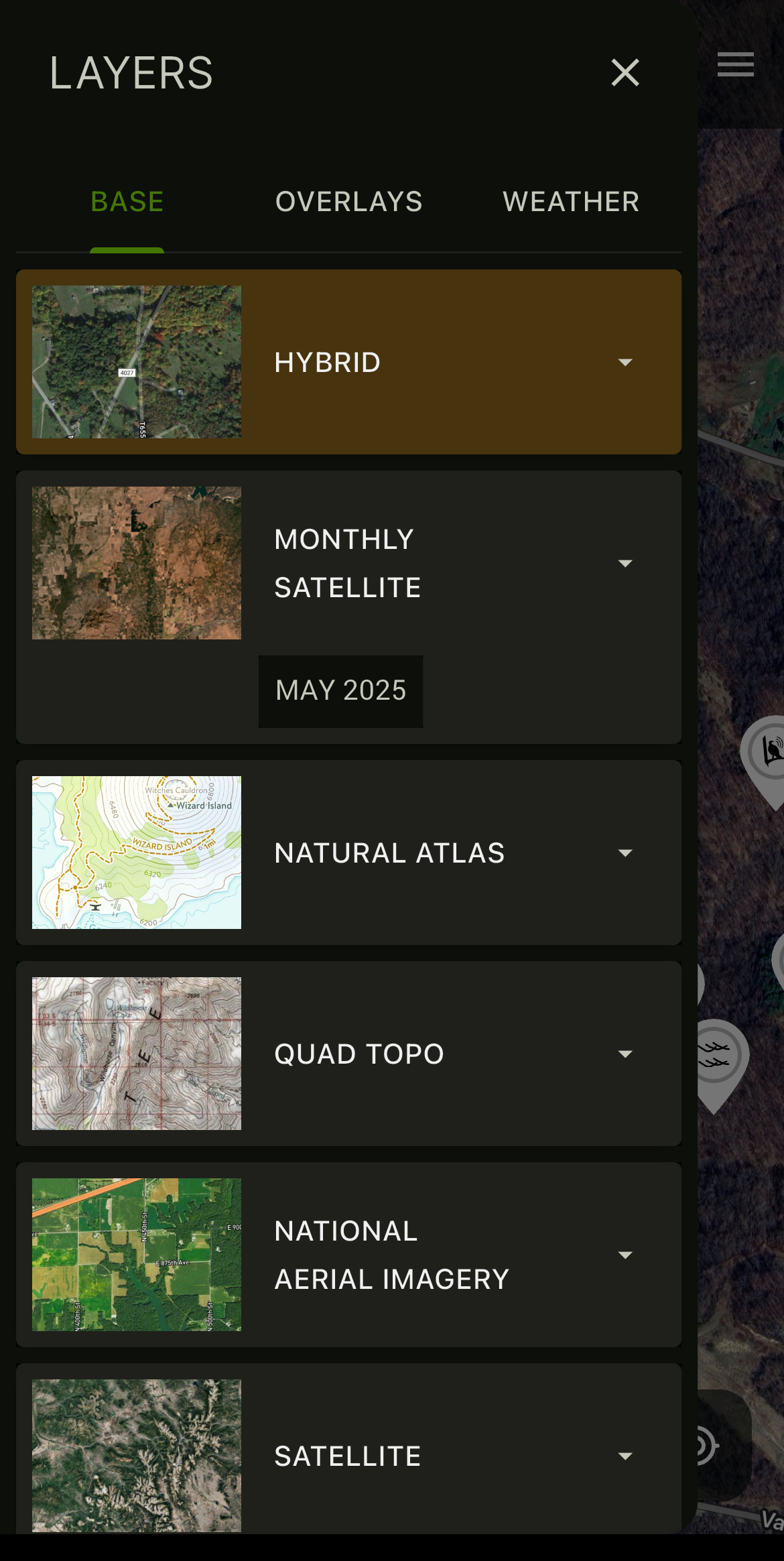
Dive into the HuntStand app and see everything else this great tool has to offer.
Conclusion
These tools paired with app layers made for studying annual rut timelines, habitat types, topographic features, property lines, public lands, and more, make HuntStand a powerful hunting app. This year, consider a HuntStand Pro membership to access some of the above features. Select a HuntStand Pro Whitetail subscription to secure all of it.
UPGRADE TO HUNTSTAND PRO WHITETAIL