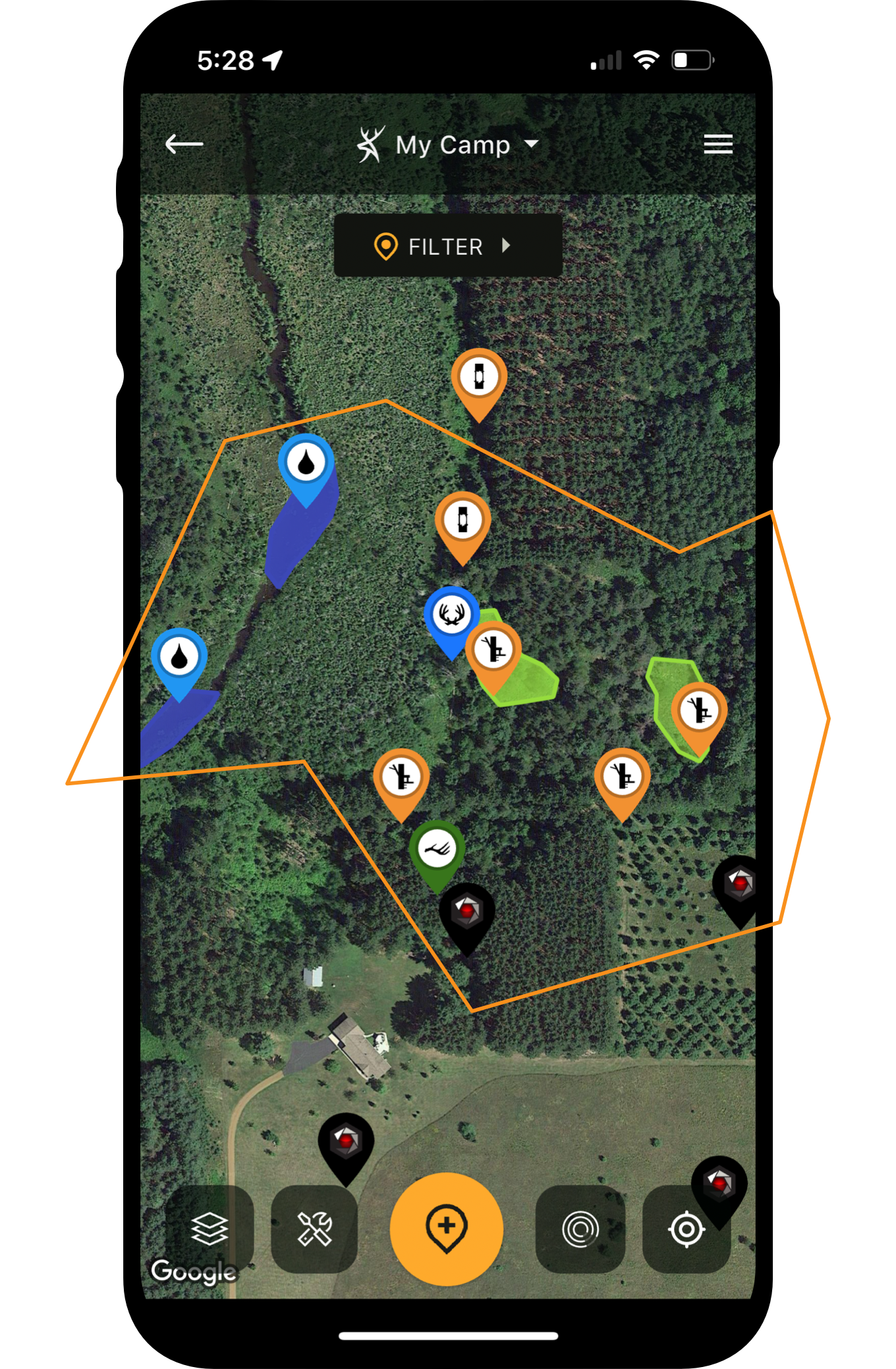






Hunting apps have come a long way in a very short amount of time. There are numerous advancements that deer hunters now have access to that weren’t always available, even in the recent past. Because of this, it’s important to completely grasp and understand the full power of the HuntStand app. Here are 15 ways you aren’t using HuntStand Ultimate but should be.
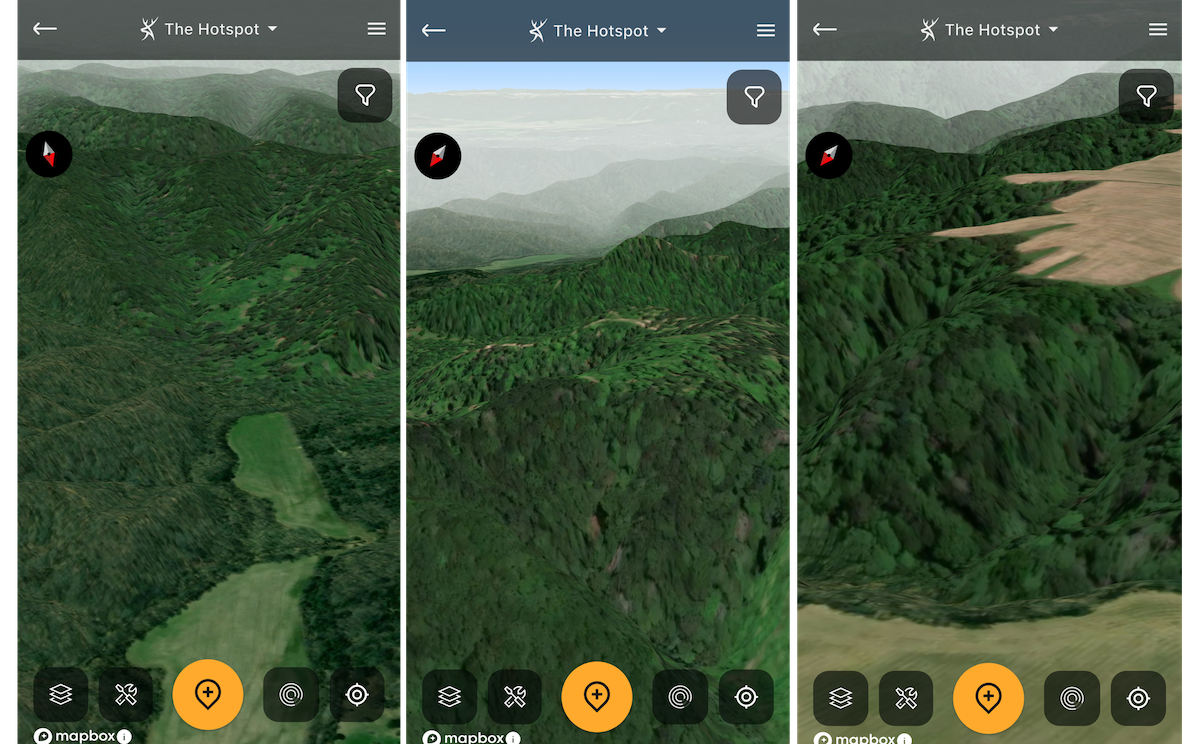

HuntStand is incredible for finding treestand locations that capitalize on habitat- and terrain-based advantages.
1. Finding Habitat-Based Stand Locations
Some stand locations are habitat based. These include treelines that create pinch points, fencerows, edge cover, good food sources, and more. Key HuntStand layers include Whitetail Habitat Map, Tree Cover, Crop History, National Aerial Imagery, Satellite, Mapbox Satellite, etc.
More Info: Natural Food Sources for Deer Every Hunter Should Know
2. Finding Key Terrain-Based Stand Locations
Other stand locations are terrain-based. These include benches, hubs, saddles, and more. Change in elevation that benefits whitetails is the distinction here. Key HuntStand layers include 3D Map, Natural Atlas, Quad Topo, Contour, Terrain, etc.
More Info: How to Find Deer with Topo Maps
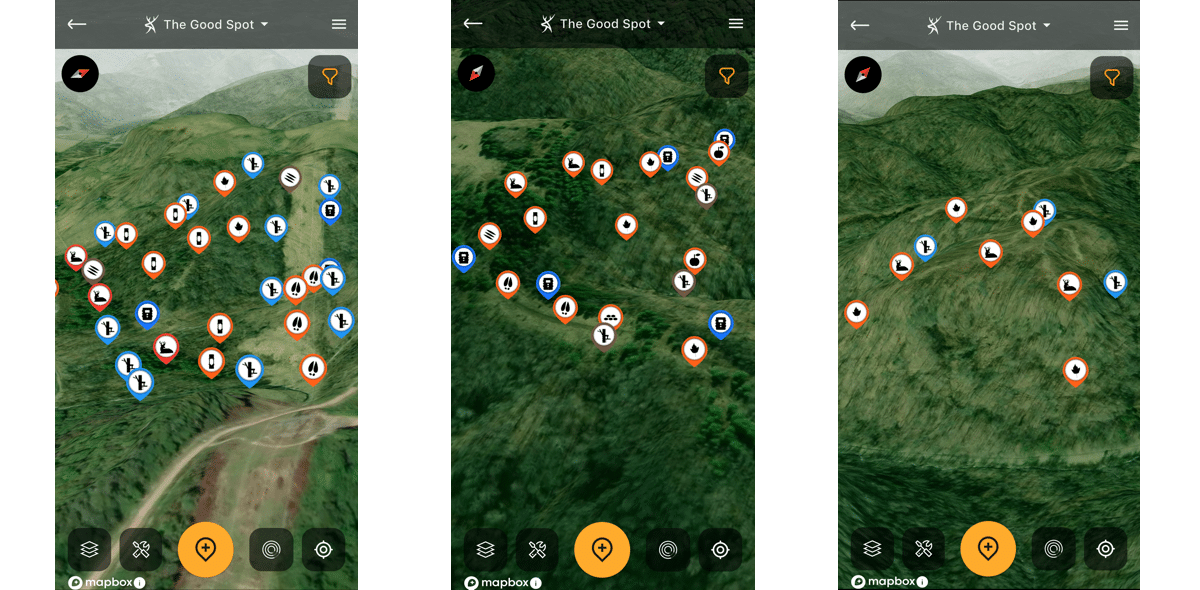
Studying all of your HuntStand map objects, paired with habitat and terrain features, will help choose quality entry and exit routes.
3. Charting the Best Entry and Exit Routes
Keep spooking deer on the way to and from the stand? Use HuntStand’s many habitat- and terrain-based layers to pinpoint quality entry and exit routes. These tools are great assets for finding ways in and out that don’t alert deer.
More Info: Building a Hunt Area in HuntStand
4. Studying Hunting Lands in 3D
Some hunters aren’t as adept at reading topo lines. Others just don’t want the hassle. Thanks to HuntStand’s 3D Map layer, studying hunting land in 3D is possible. It gives a realistic look at how the landscape looks in person.
More Info: All About the 3D Mapping Tool
It's still possible to find quality public land experiences, but it takes work to find them.
5. Finding Public Land Hotspots
There are many ways to scout public land, but the best ones include HuntStand Pro and HuntStand Ultimate. Various layers — including Hunting Lands and Public Lands — help you virtually scout properties in question. It’s a huge time-saver and makes you more efficient.
More Info: Find Public-Land Deer Hotspots on the Fly with HuntStand Pro
6. Sharing Pins (Map Objects) with Friends
Tired of trying to explain where that blind or stand is located? Now, you can share HuntStand markers with family and friends. Send them the pin, and they know exactly where that blind, stand, camera, scrape, trail, (or whatever), is located.
More Info: Share Map Objects with Others
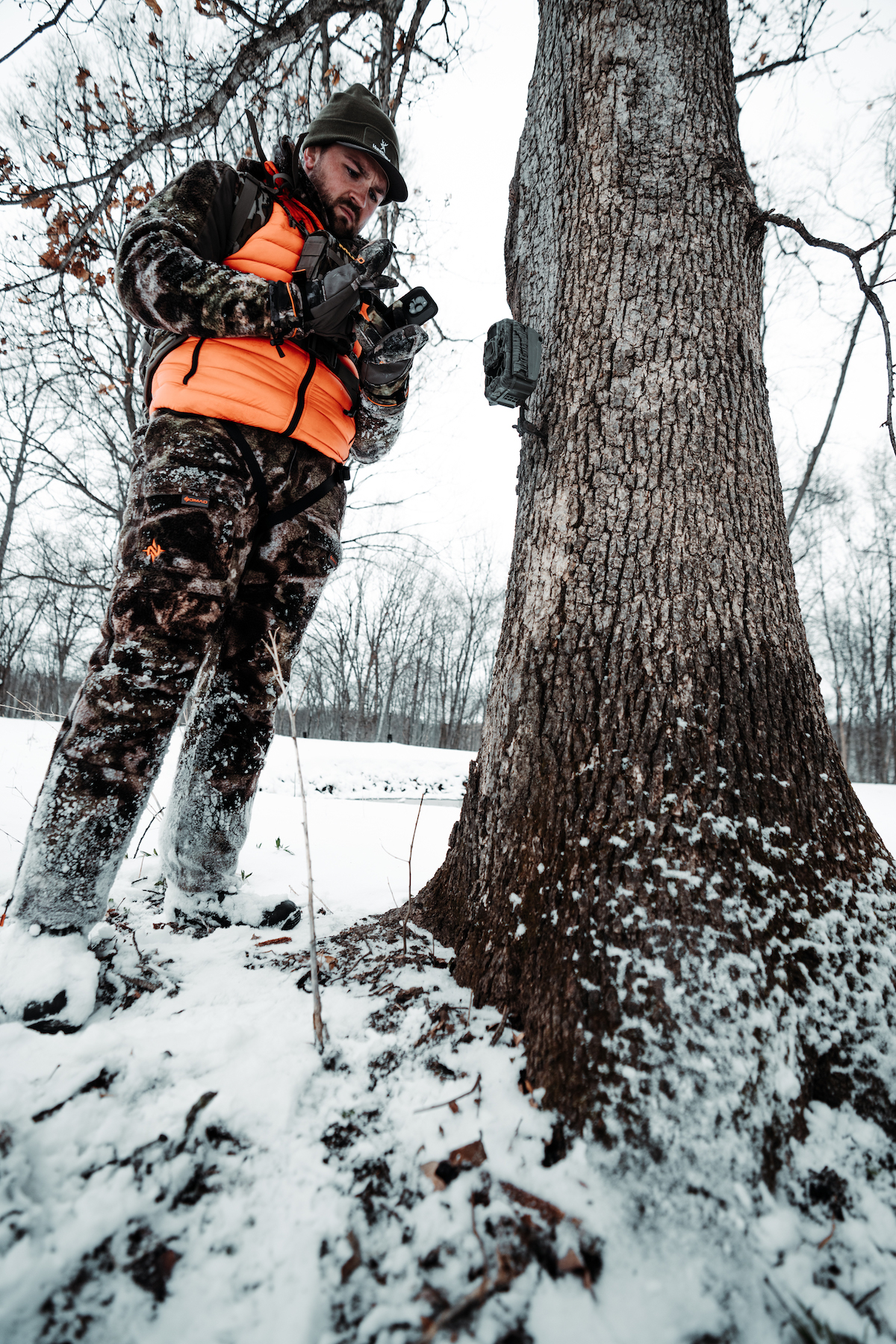
Tired of checking SD cameras? Or not knowing where your cell cams are located? Now, you can auto-import Stealth Cam and Muddy cell cam photos directly into HuntStand camera location pins.
7. Integrating Trail Camera Photos
Brand new to HuntStand, deer hunters can now directly connect and import their Muddy and Stealth Cam images into the HuntStand app. Trail camera photos appear in the app within each camera’s marked location. Open the pin and view the photos. Never again have to guess where that cell cam photo was taken.
More Info: Link HuntStand and Command Pro
8. Planning Your Best Rut Hunts
Don’t know when the rut takes place where you are? Can’t seem to nail down those rut dates? HuntStand’s Whitetail Rut Map tool lists the date ranges for each phase of the whitetail rut. Hunters can use this data to plan their best rut hunts.
More Info: How to Hunt the Phases of the Whitetail Rut
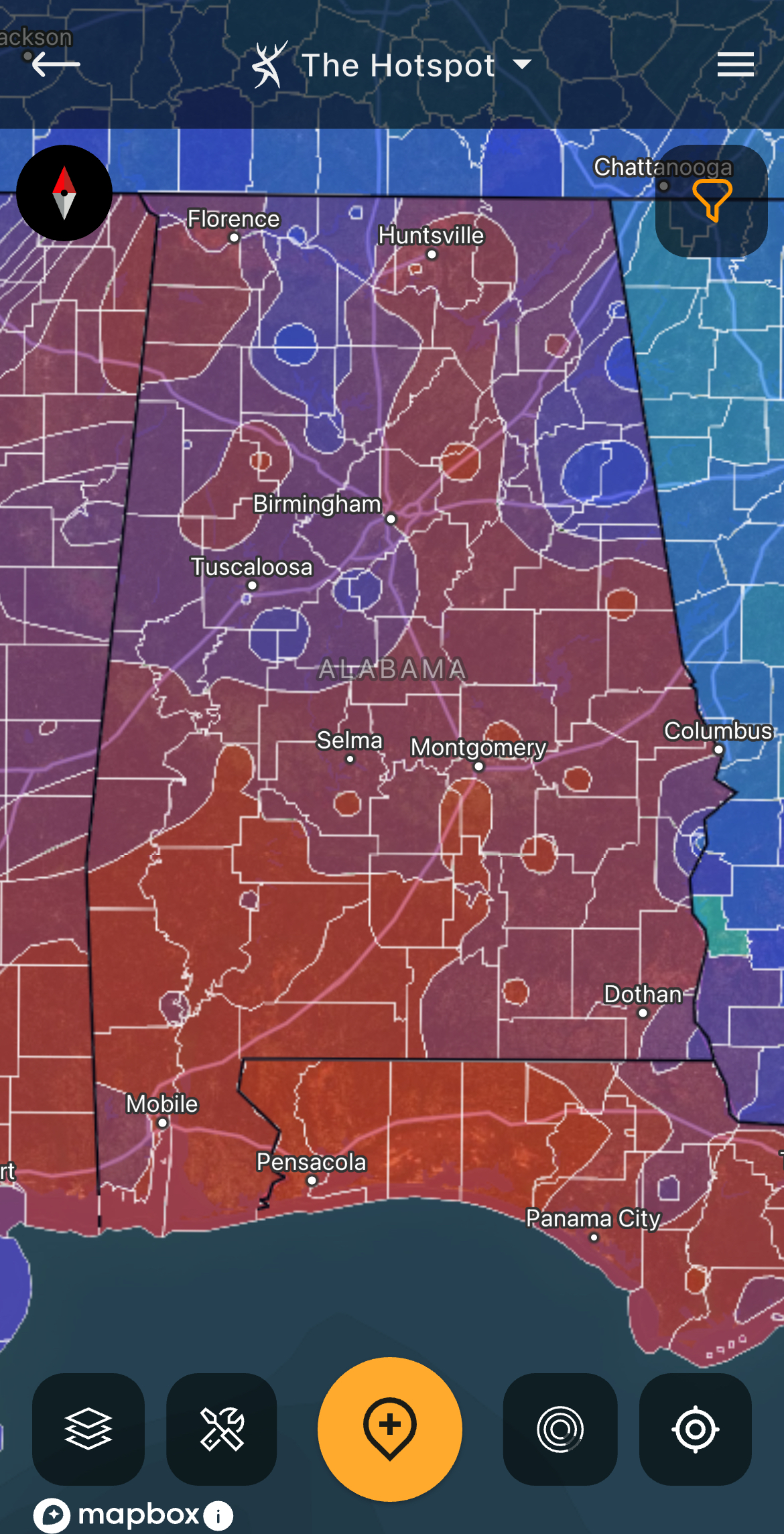
Use the Whitetail Activity Forecast and Whitetail Rut Map to determine the best times to hunt.
9. Scheduling High-Odds Hunts
Don’t let anyone fool you, deer do move better under certain conditions. Some of these include weather fronts, temperature drops, etc. But some of the triggers are more obscure and difficult to gauge. HuntStand’s Whitetail Activity Forecast takes the guesswork out of this and makes it easier to schedule hunts on high-odds days.
More Info: HuntStand’s Whitetail Activity Forecast Tool
10. Monitoring Near-Real-Time Landscape Changes
The landscape doesn’t always see big changes, but lesser changes happen quite often. Crops enter or depart peak attractiveness. Crops rotate or come out. Timber gets harvested. The list goes on. And so, HuntStand’s Monthly Satellite Layer makes it easier to monitor near-real-time landscape changes.
More Info: How to Speed Scout with HuntStand Pro’s Monthly Satellite Imagery
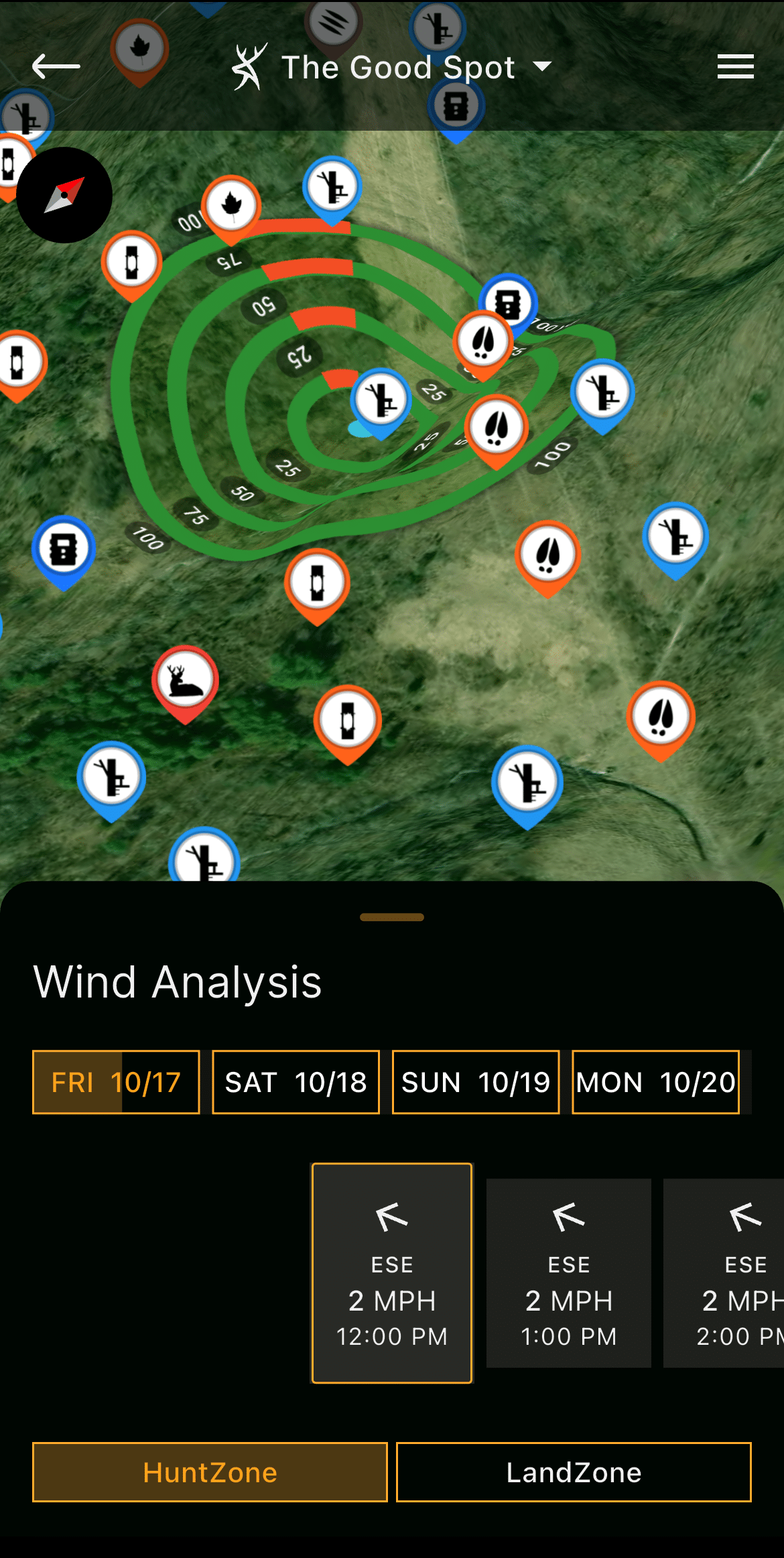
Keep an eye on the wind direction projections throughout the day.
11. Studying Shifting Winds
Winds rarely remain constant throughout the day. Winds routinely shift as the day progresses. Therefore, use HuntStand’s HuntZone tool to see how your scent cone will chance throughout the hunt.
More Info: How to Shoot Bucks That Circle Downwind
12. Reserving Stand Locations
Those who hunt with others, or share access to properties, have accidentally stepped on other hunters’ toes. Two hunters trying to hunt the same spot isn’t good. So, use HuntStand to reserve stand locations. This is ideal for limiting conflicts, improving courtesy, but most importantly, increasing safety.
More Info: How to Reserve a Stand Location
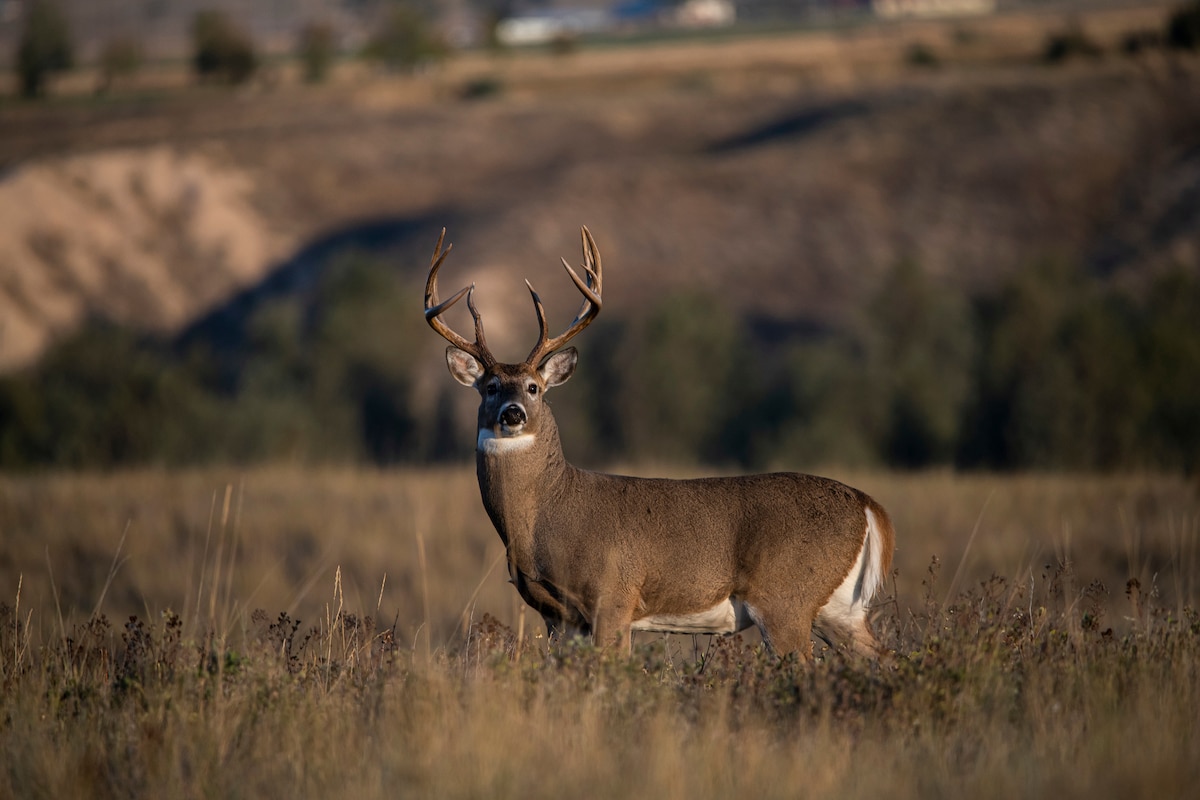
Log your big-buck sightings in HuntStand's "Mark Sightings" feature.
13. Marking Sightings
Because hunters rarely get it done on the first sit, it’s important to maintain records of deer sightings in the field. This is great for keeping track of deer that you’re targeting this season. But it’s also good to have that historical data when hunting mature bucks over the course of several seasons, or when going back to a piece of public land you haven’t hunted in quite some time.
More Info: See More Mature Bucks
14. Logging Harvests
After the hunt, mark the harvests in HuntStand. Keep track of the dates, times, and other details regarding that hunt. Keep track of wind directions the deer came in during, weather conditions, and more.
More Info: Targeting a Mature Buck
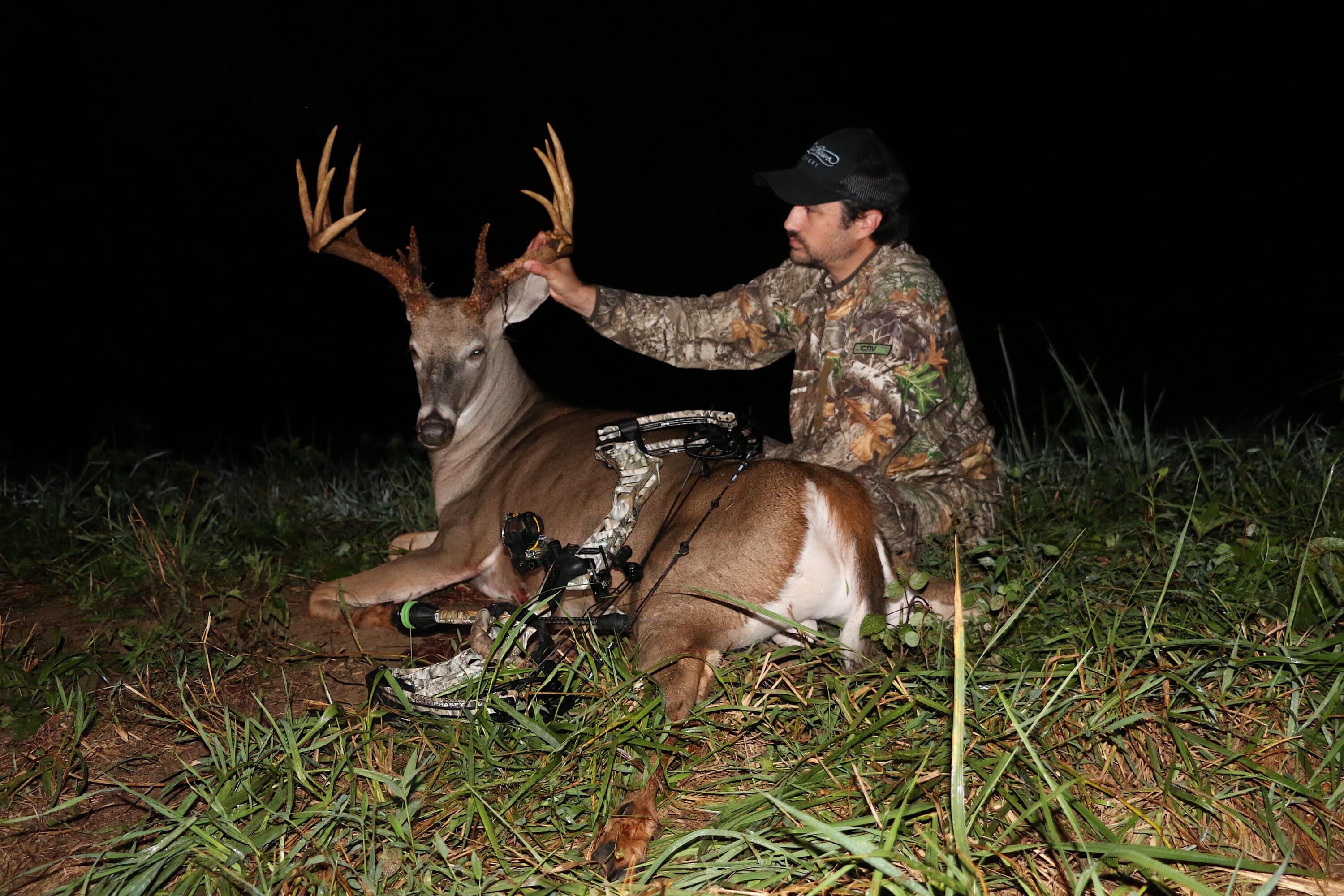
HuntStand Pro and HuntStand Ultimate pair nicely with your own hunting intellect. These complementary tools are primed with high-impact features. Learn how they best serve you.
15. Finding New Possibilities
There are many different tools within the HuntStand app. Depending on your hunting style, you can use certain ones in completely different (but effective) ways that other hunters might not. So, when using the app this season, analyze each layer and tool, compare these to your hunting style(s), and see how they best serve you. HuntStand Ultimate is a powerful, ever-improving tool.
And, if for some reason you still don’t fill your tags, have plenty of excuses ready to rock back at camp.
50 Best Deer Hunting Excuses to Use This Season